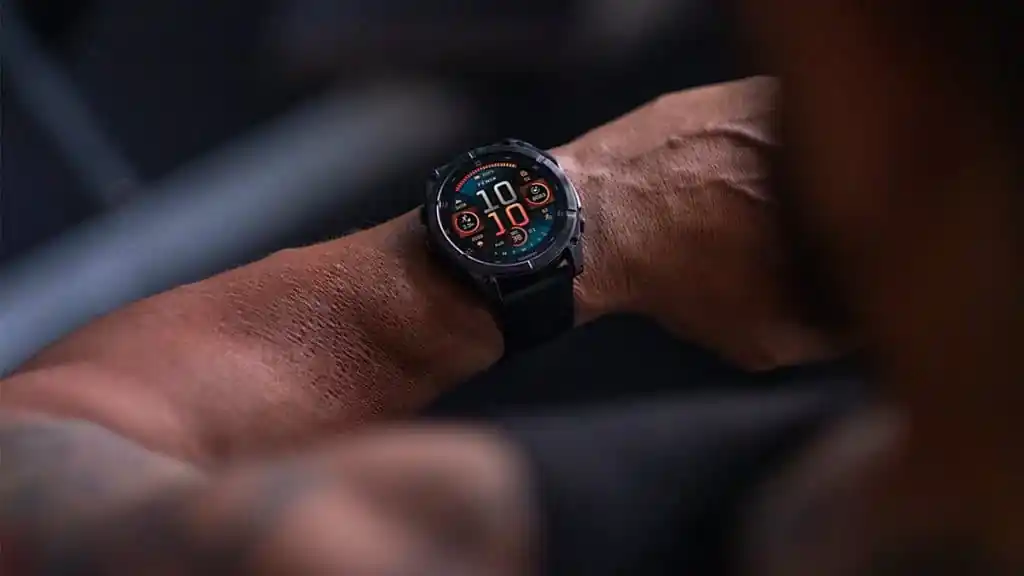
Garmin Acknowledges Fenix 8 AMOLED Screen Brightness Bug
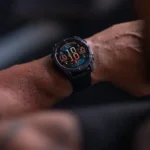
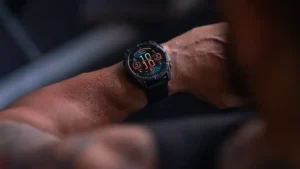
According to a recent report by gadgetsandwearables, Garmin has officially confirmed a frustrating display issue. Specifically, the Fenix 8 AMOLED screen suffers from a bug preventing automatic brightness reduction. Consequently, this persistent malfunction may significantly accelerate battery depletion.
Software Versions and User Experiences
Regarding affected software versions, this problem initially surfaced in firmware version 23.31. However, several users still report experiencing the identical phenomenon while running version 23.39.
Regarding the specific manifestation of this problem, community feedback highlights a particular scenario. First, users enable the Always On Display feature. Next, they disable the wrist gesture illumination setting. During exposure to intense light, the watch correctly increases its brightness. However, the screen sometimes fails to dim automatically when the wearer enters a darker environment.
Official Response and Temporary Workaround
Garmin officially acknowledged this frustrating problem on its community forum on October 7. Furthermore, the company promised to resolve the glitch in an upcoming software update. However, representatives did not specify a concrete firmware version or an exact release date. Additionally, they refrained from providing intricate technical details beyond a simple temporary fix.
Managing the Bug Before the Update
Before the official patch arrives, Garmin offers a practical suggestion for affected users. Wearers should gently tap the screen or press any physical button. This simple action forces the display to return to its normal brightness level.
Meanwhile, this display issue currently coexists with another documented optical sensor malfunction. The latter glitch emerged shortly after the problematic 23.39 software update. Previously, some users reported that their watches failed entirely to read wrist-based heart rate data.