Canonical Officially Releases Ubuntu 26.10
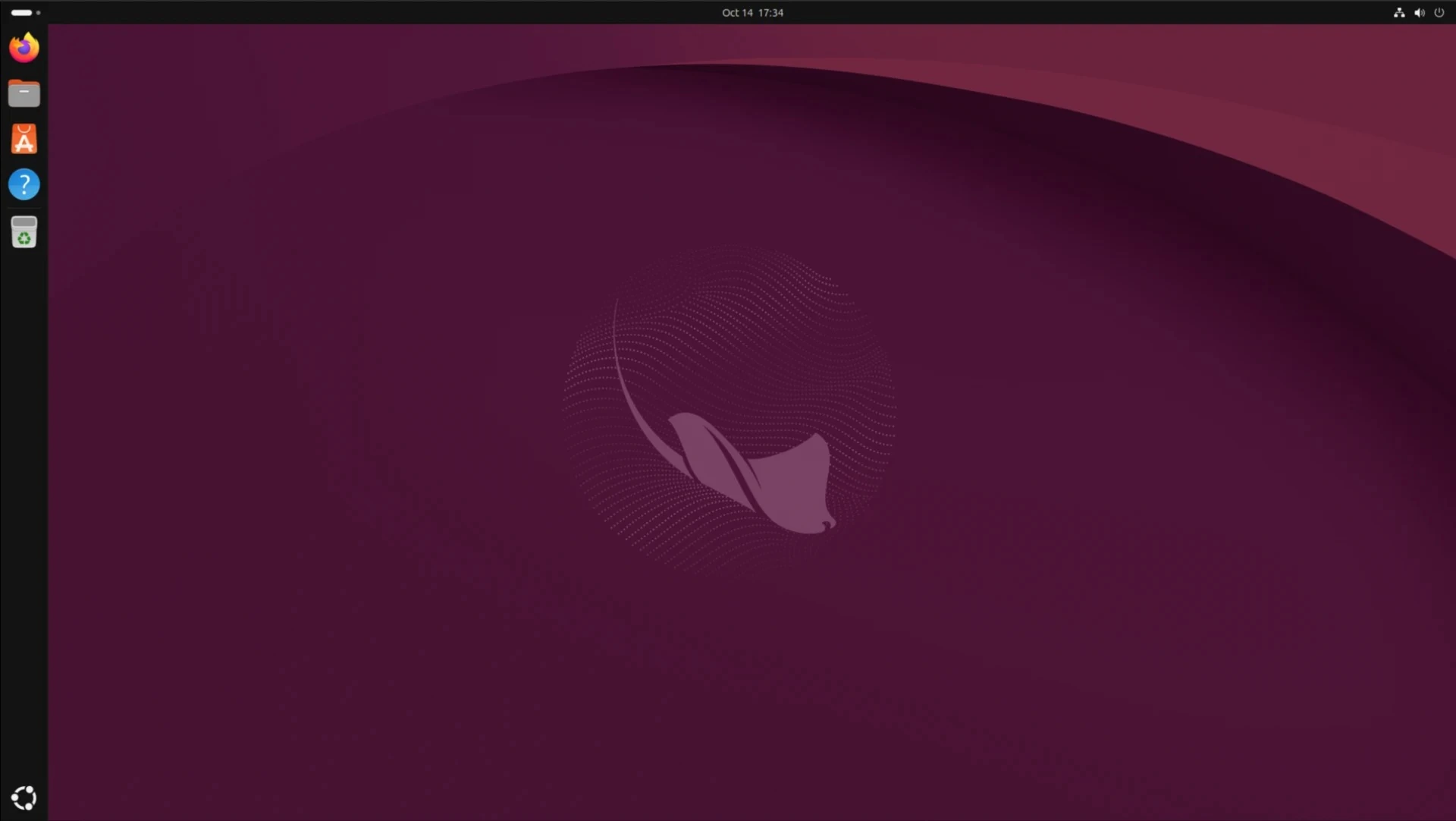
This evening, Canonical officially released Ubuntu 26.10, affectionately codenamed “Stonking Stingray”. As a transitional release following the robust Ubuntu 26.04 LTS, this new version will receive nine months of dedicated support. Consequently, official maintenance will continue until July 2027.
Complete Transition to Rust Core Tools
According to the official press release, Ubuntu 26.10 successfully completed the comprehensive migration to Rust-based core tools. Now, the default command-line utilities run entirely on the Rust-based uutils implementation. Previously, developers retained three specific GNU commands due to complex compatibility issues: cp, mv, and rm. However, the engineering team successfully switched these remaining tools in this latest release. This milestone marks the formal conclusion of the profound transition that began with Ubuntu 25.10. Ultimately, this strategic shift significantly enhances the memory safety of foundational system components without disrupting established user habits.
Upgraded Desktop Environment with GNOME 51
Regarding the desktop environment, Ubuntu 26.10 proudly features GNOME 51. This updated interface delivers noticeable improvements in animation fluidity and interactive responsiveness. Furthermore, display brightness settings now persist reliably after system reboots and HDR toggles. Additionally, developers refined the centered snapping functionality for multi-monitor setups.
The Settings application introduces a new automatic screen rotation option. It also supports automatically disabling the touchpad when users connect an external mouse. Meanwhile, the Files application boasts improved item counting and notification grouping during multi-selection drag-and-drop operations. The Calendar app now responds significantly faster in the monthly view mode. The Papers document viewer introduces a handy feature for adding visual signatures to PDFs. However, users must note that these signatures serve purely as annotations and lack cryptographic validation capabilities. Another notable change in GNOME 51 involves the permanent removal of support for the WEP wireless encryption standard. This obsolete and highly insecure protocol no longer appears in the network configuration options.
Advanced Kernel and Hardware Support
Under the hood, Ubuntu 26.10 operates on Linux kernel 7.3. Because the final upstream version of 7.3 was not entirely ready at launch, the initial release images utilize a kernel built upon 7.3-rc6. The graphics stack received an upgrade to Mesa 26.2. This enhancement significantly improves support for modern GPUs and dramatically expands Vulkan capabilities.
Hardware compatibility also saw major strides, introducing preliminary support for premium Qualcomm Snapdragon X Elite and X2 Elite laptops. Simultaneously, the update provides essential driver support for the integrated cameras on select Snapdragon X Elite models. Furthermore, Ubuntu 26.10 proudly offers its very first RISC-V desktop image. This specific image supports both the SpacemiT K3 and SiFive BigSky hardware platforms.
Streamlined Application Management
In the realm of application management, the Ubuntu App Center now utilizes a unified details page. This page seamlessly presents crucial information for both Snap and DEB packages. Users can conveniently view the publisher, ratings, required permissions, version number, package size, screenshots, and detailed descriptions in one centralized location.
The App Center also introduces a dedicated driver management page. Here, users can easily review and select available NVIDIA driver branches without relying on separate configuration utilities. Additionally, the intelligent system can now automatically install missing multimedia codecs when required for playback. However, it is important to note that certain proprietary codecs remain excluded from the default installation package.
Innovative Experimental Features and Robust Security
Ubuntu 26.10 introduces an experimental voice-to-text tool preview named Myna. Users can comfortably press and hold a customizable shortcut key to begin dictating directly into the focused application. Crucially, Myna processes the transcription entirely locally, ensuring that voice recordings are never transmitted to external web services. This tool does not come pre-installed, and Canonical explicitly stated that its functionality might undergo further adjustments before the next stable release.
The security updates are equally substantial. Ubuntu 26.10 implements OpenSSL 4, adding crucial support for Encrypted Client Hello (ECH). It also expands advanced QUIC capabilities and makes notable progress in post-quantum cryptography. The Rust-based Sequoia PGP implementation has officially entered the main Ubuntu repository, although the traditional GnuPG tools remain fully accessible.
Furthermore, TPM-backed Full Disk Encryption (FDE) can now be installed on devices lacking a hardware Root of Trust. This requires the user to simultaneously configure a PIN or passphrase on the TPM key. Additionally, Canonical bolstered enterprise identity integration by supporting Microsoft Entra ID for password and multi-factor authentication logins. Consequently, users can securely authenticate via Microsoft Authenticator or one-time passcodes across the desktop interface, terminal sessions, SSH connections, and Polkit dialog boxes.
The official desktop and server installation images for Ubuntu 26.10 are now available for download on Canonical’s servers. Nevertheless, for users who prioritize absolute stability and long-term maintenance, Canonical strongly recommends continuing to use Ubuntu 26.04 LTS.