Steam Client Update Brings Linux, Big Picture, and Remote Play Upgrades
Valve has released a new stable Steam Client update packed with Linux improvements. It also refreshes Big Picture Mode, Steam Input, the in-game overlay, game recording, and Remote Play.
Linux Improvements for Steam Gamers
The update arrived on October 13, 2026. For Linux gamers, the “Select compatibility tool” dropdown is now always visible. This makes it easier to pick aliases such as “Proton Stable”. SteamOS compatibility dialogs also appear in the desktop UI when you install games that are not verified for that hardware.
In Desktop mode, the client now shows the SteamOS unsupported dialog for games known not to work with Proton. In addition, Steam now reshuffles gamepad input when the last running game exits. Previously, it did so at game launch. The change avoids problems when several apps run at once.
Proton, Downloads, and the Hardware Survey
Windows binaries registered as non-Steam games now run in Proton by default. Download speeds also improve on high-latency connections. Meanwhile, the Steam hardware survey collects distro information more accurately, because it now prefers data from /etc/os-release.
Linux Bug Fixes
Valve fixed several Linux bugs. Non-Steam games no longer fail to launch after you change the Target binary with the Browse button. Swapping controllers on the “Reorder controller” screen now works every time. The “Stop” button now closes a game even when an external tool launched it.
Another fix concerns virtual gamepads. They were briefly torn down when a game called the ISteamUtils::SetGameLauncherMode API. Some titles without controller hotplugging then lost input.
Big Picture Mode Gets a Fresh Look
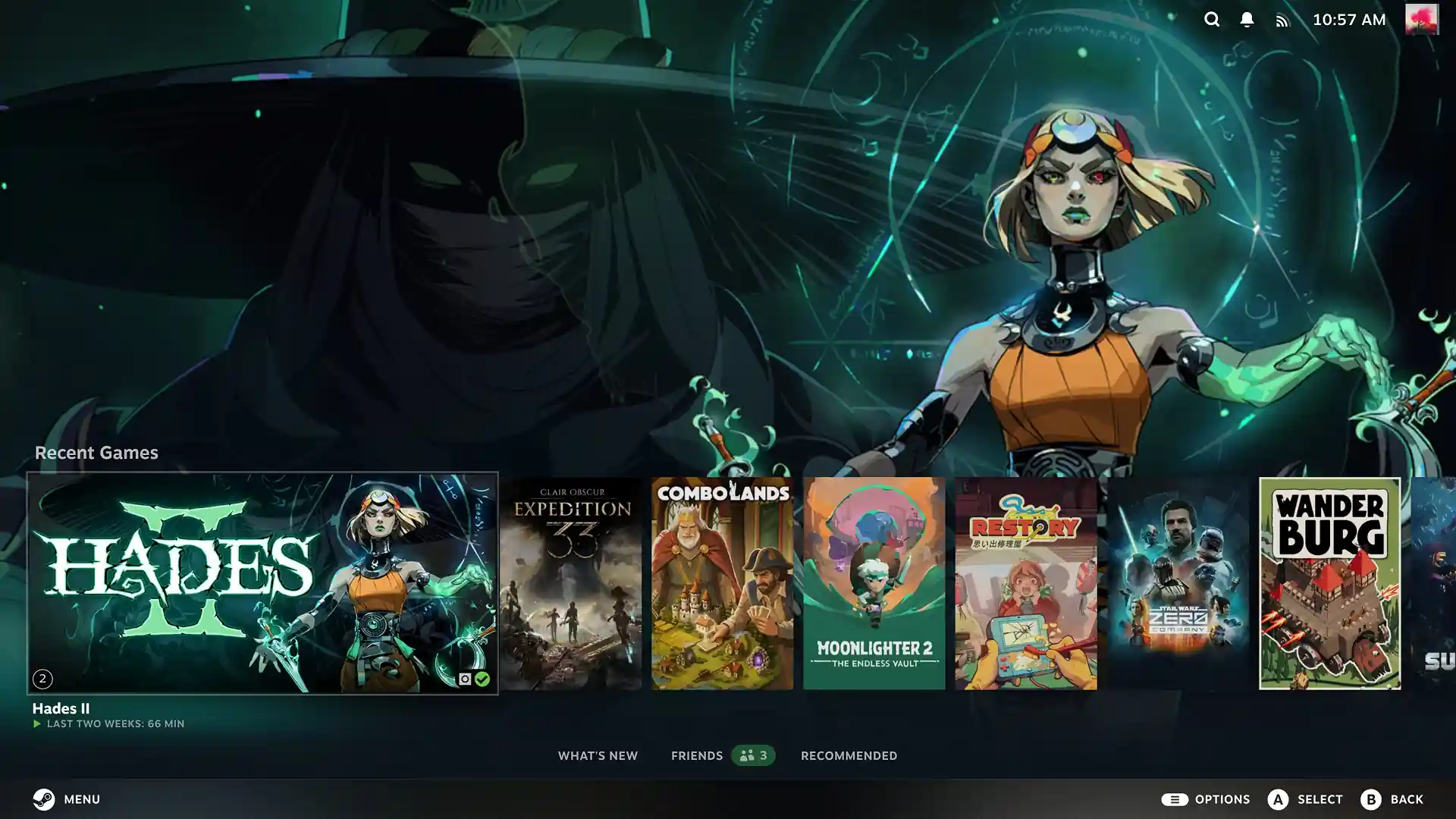
Big Picture Mode received many enhancements. A new screensaver feature supports custom screensavers. A new “Big Art Mode” option changes the home screen. Moreover, a Personal Calendar option joins the Recommended tab on the home screen.
Overlay and Remote Play
The in-game overlay scales the Performance Monitor FPS line graph better across text scaling settings. It also supports Vulkan games more fully.
Remote Play gained an experimental video codec called Pyrowave. The codec allows high-bandwidth, low-latency video streaming. Other Remote Play upgrades include better color accuracy, clarity, and brightness. Steam now falls back to H.264 automatically when HEVC is unavailable. Vulkan capture performs better, too. Finally, a Download Complete notification appears when you start a remote download from your current device.
Steam Input Changes
Steam Input received the longest list of changes. The configurator adds a view for Steam Input API games that lists actions and their bindings. A new multi-binding page lets you author button combinations. The desktop overlay now supports the user-invoked On-Screen Keyboard.
More Controls and Controller Support
Steam Input can now invert button chord bindings. The new Steam Controller switches into Lizard mode when you interact with UAC windows. If no file on disk can be loaded, the configurator shows a landing page. Steam Input API games also get their own version of the “Reorder Controller” dialog.
Performance improves as well. CPU use drops at runtime and during configuration loading. Trackpad sensitivity is more consistent between Steam Deck and Steam Controller. The desktop config can be applied in the desktop UI overlay. Steam Frame controllers can use gamepad input in VR games that lack VR input support.
Improvements on All Platforms
On every supported platform, startup performance improves. Achievement notifications also have a better text layout. Steam Controller support improves rumble emulation and shortens the time needed to connect fully. It also adds a second BLE pairing slot and configurable intensity levels.
How to Install the Update
Numerous other bug fixes make for a smoother Steam experience. Read the full Steam Client release notes for more detail.
You can update manually through the “Check for Steam Client updates” option in the Steam menu. Click the “Download” button on the right side of the blue notification. When the download finishes, click “Apply and Restart”. Steam will then restart on its own and install the update.