Samsung Addresses Peculiar One UI 9 Status Bar Issues
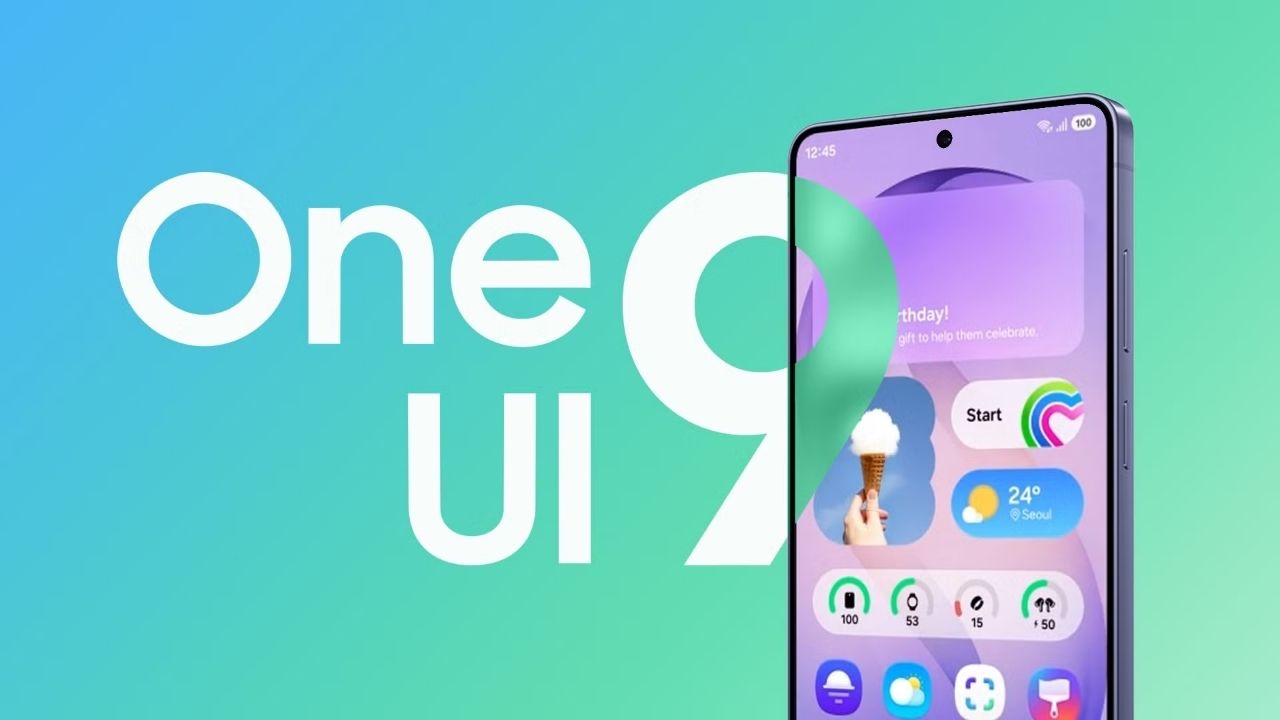
Samsung’s highly anticipated stable One UI 9 rollout is currently accelerating. This massive update delivers numerous exciting features and crucial improvements to an ever-expanding array of Galaxy devices. However, as an increasing number of eager users install this major system upgrade, a few unexpected software bugs are inevitably beginning to surface. One particularly baffling issue causes the essential status bar icons to behave highly unpredictably. Fortunately, the encouraging news is that Samsung has already officially acknowledged this frustrating problem and is actively developing a permanent solution.
Recently, a frustrated Galaxy user documented this bizarre anomaly directly on Samsung’s South Korean community forum. The user reported that critical system icons were responding incorrectly to specific controls within the popular QuickStar module. For those unfamiliar, QuickStar is a prominent component of Good Lock, which widely allows users to meticulously customize exactly what appears within their device’s status bar. To understand its full potential, many enthusiasts explore comprehensive guides detailing the best Samsung Good Lock modules available.
The Bizarre Icon Behavior Explained
According to the detailed user report, enabling the “Do Not Disturb” function unexpectedly resurrected a completely missing Wi-Fi connectivity icon. Conversely, disabling the primary network indicator bizarrely caused the Wi-Fi icon to vanish entirely instead. The user provided an accompanying demonstration video clearly illustrating these chaotic interactions. As the user frantically toggles various system icon settings back and forth, the status bar consistently fails to respond in any logical or expected manner.
Samsung’s dedicated Good Lock support team has since officially responded to these mounting concerns. They confirmed that their software developers have successfully identified a complex underlying issue. This bug fundamentally disrupts how critical system icons behave whenever users attempt to toggle them on or off under specific, isolated conditions.
The Complex Path to a Resolution
The support team assures the community that comprehensive improvements are actively planned. However, a significant complication currently exists. Permanently rectifying this deep-seated problem strictly requires fundamental changes to the underlying platform software architecture, followed by extensive secondary review processes. Consequently, Samsung unfortunately cannot currently provide a definitive timeline regarding exactly when this crucial fix will finally arrive on user devices.
Interestingly, this initial report is not the only status bar complaint currently circulating involving QuickStar integration on the new One UI 9 firmware. Another dissatisfied user similarly reported completely missing Wi-Fi, active alarm, and several other vital indicators immediately following the system update.
A Simple Workaround for Missing Icons
However, Samsung carefully explained that this specific secondary issue stems directly from limited physical status bar space, rather than a genuine software glitch. Certain elongated date display formats consume an excessive amount of on-screen real estate. This inadvertently leaves insufficient physical space remaining to display other essential system icons. Therefore, simply switching the device settings to a significantly shorter date format should instantly restore visibility to all the missing indicators.
For the time being, all affected Galaxy users should proactively check their specific QuickStar configurations before mistakenly assuming their actual network connectivity is failing. While the frustrating date-format display issue possesses a very straightforward and immediate workaround, those unfortunate users experiencing completely unresponsive icon toggles will simply have to wait patiently for Samsung’s officially promised software improvements.