iPadOS 27 AirPlay Bug Exposes Private Screens
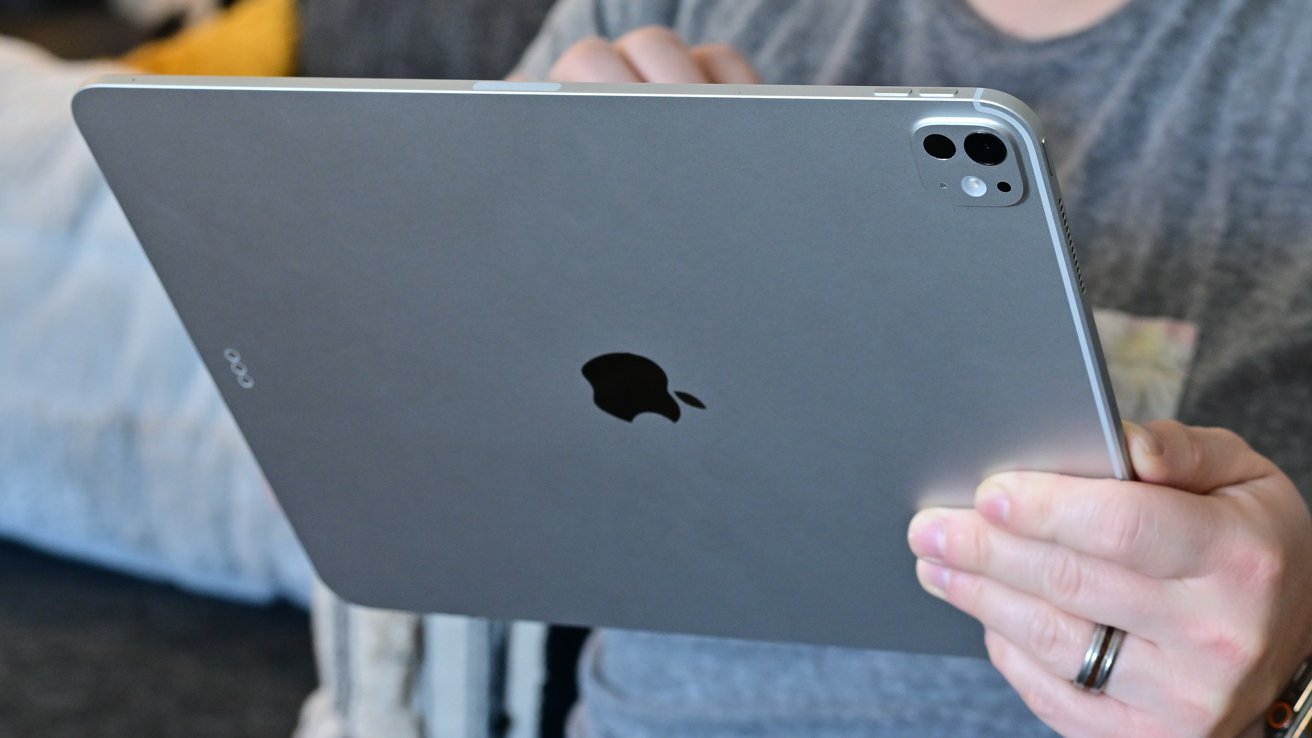
AppleInsider recently published a report detailing a frustrating software issue. Multiple community users report that utilizing AirPlay for presentations on iPadOS 27 exposes private windows. Unfortunately, switching applications during an active presentation currently triggers this privacy breach. Consequently, audiences might see your personal screen instead of the intended slides. Currently, no viable workaround exists to resolve this problem. Furthermore, AppleInsider notes that this iPadOS 27 flaw breaks the ability to keep presentations on screen while multitasking.
Teachers Face Privacy Risks
Educator Teddy Svoronos shared a concerning experience regarding this AirPlay glitch. During an iPadOS 27 presentation, merely tapping outside the presentation app causes issues. Specifically, the external display instantly mirrors the entire iPad screen. As a result, audiences suddenly view private notes, attendance rosters, or hidden polling results. Clearly, this exposes sensitive information that presenters never intended to share.
Multitasking Takes a Hit
The publication further explains the drastic shift from previous operating systems. Previously, iPadOS 26 allowed users to seamlessly transfer presentation control. Presenters simply swiped up and selected a supported application from the dock. In contrast, iPadOS 27 automatically surrenders control to the most recently tapped application. Therefore, this sudden change severely disrupts normal multitasking workflows during live demonstrations.
Inconsistent App Recovery
Furthermore, different applications handle this screen recovery process inconsistently. Goodnotes gracefully restores the presenter view after a user taps its window again. Meanwhile, Keynote completely exits the active presentation without warning. PowerPoint proves even more cumbersome, demanding a full restart of the slideshow.
Identifying the Root Cause
Regarding the root cause, identifying the exact culprit remains challenging. The inconsistent recovery behaviors across different apps complicate the investigation. Currently, experts cannot definitively classify this as an Apple software bug. Alternatively, it might represent an intentional AirPlay design modification. It could also stem from unexpected interactions between the system and specific apps. However, reports firmly believe that third-party developers do not bear the primary responsibility. Apple must ultimately address this underlying system flaw.