AMD Adrenalin Edition 26.10.1 Driver Update Arrives
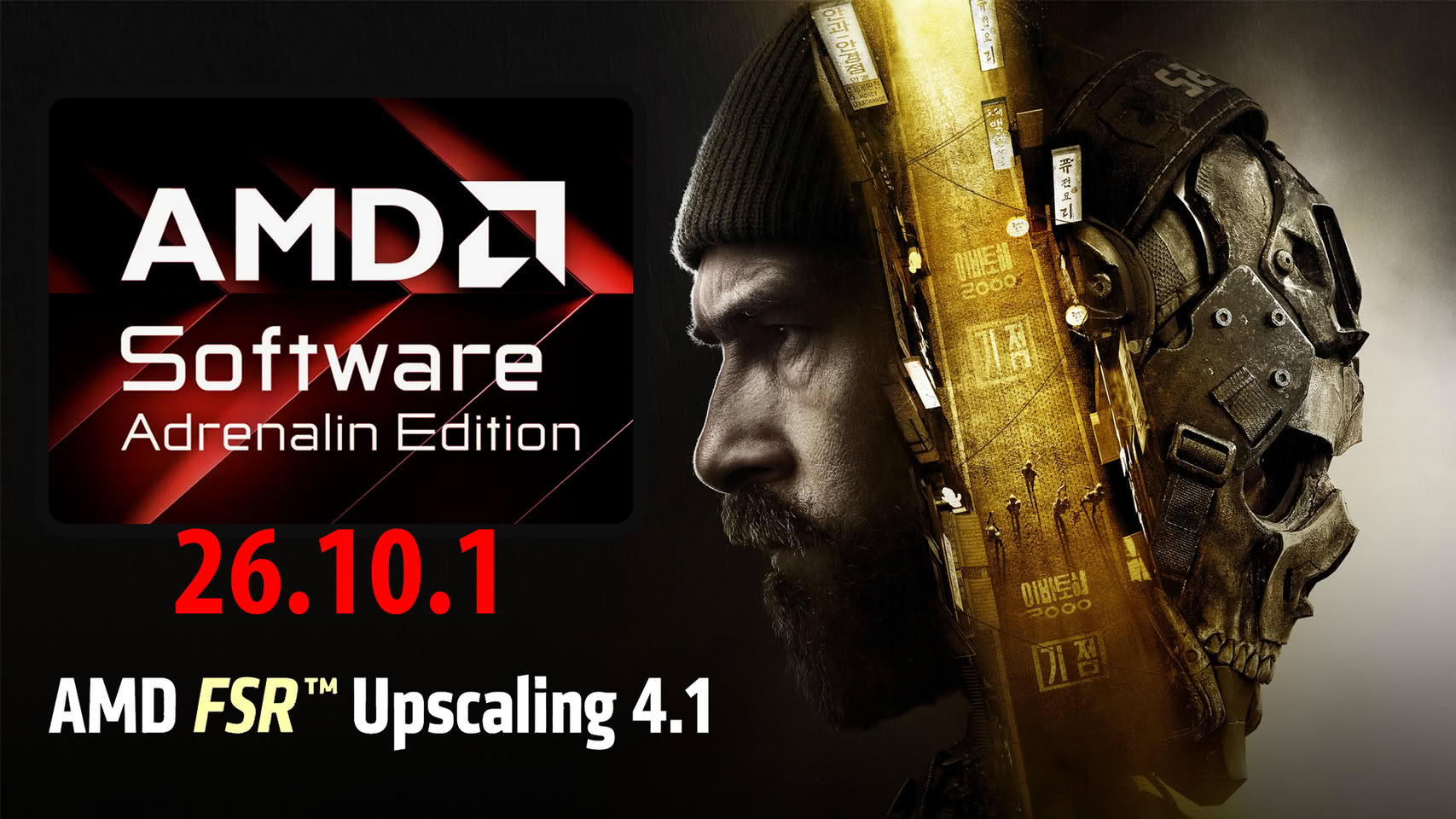
The AMD Software: Adrenalin Edition 26.10.1 WHQL driver is now officially available. First, users can check out the detailed release notes for this driver update. This major release successfully introduces support for AMD FSR Upscaling 4.1. Additionally, it brings essential optimization for three exciting new game titles. Furthermore, the update resolves several ongoing performance issues. It also outlines a comprehensive list of known compatibility bugs.
New Features and Expanding Game Support
Specifically, the new software adds full support for AMD FSR Upscaling 4.1. This advanced feature applies directly to AMD Radeon RX 6000 series graphics cards. It also enhances AMD Ryzen AI Max 300/400 series and AMD Ryzen AI 9 300/400 series processors. Moreover, the driver now proudly supports three major blockbuster games. These popular titles include Call of Duty: Modern Warfare 4, Star Wars: Galactic Racers, and Final Fantasy: Resonance.
Resolved Performance Issues
The development team successfully fixed a prominent stuttering issue. Players previously experienced this annoying problem when running Call of Duty: Modern Warfare 4. Specifically, this glitch negatively affected users with Radeon RX 6000 series and newer graphics cards. Consequently, gamers can now enjoy a much smoother gameplay experience.
List of Known Issues
Crashes and Driver Timeouts
However, users might still encounter intermittent application crashes or driver timeouts. For instance, this occurs when playing Assassin’s Creed: Black Flag Remastered on Radeon RX 7000 series GPUs. Similarly, running War Thunder on Radeon RX 5000 series graphics cards may easily trigger intermittent driver timeouts. Consequently, affected users should temporarily revert to AMD Software: Adrenalin Edition 26.9.1.
System Shutdowns and Hangs
In addition, systems equipped with Radeon RX 7600 series GPUs might experience sudden shutdowns while playing Valor Mortis. Meanwhile, running this exact game on Radeon RX 7000 series hardware could lead to driver timeouts. Furthermore, playing Final Fantasy: Resonance on Ryzen AI MAX PRO 400 series processors may cause intermittent system shutdowns. Starting Fallout 76 on these same processors might occasionally result in a frustrating black screen.
Feature Conflicts
Enabling AMD FSR while playing Death Stranding 2: On the Beach on Radeon RX 9000 series graphics cards might result in application hangs. Therefore, users should disable AMD FSR to safely avoid this annoying bug. Also, specific Radeon RX 9000 series products might face crashes when playing Cyberpunk 2077. This specifically happens if users simultaneously enable secondary screen video playback, AMD FSR Super Resolution, AMD Radeon Anti-Lag, and in-game frame generation. Thus, gamers should definitely turn off the in-game frame generation feature.
Overlay and Installation Bugs
Furthermore, toggling overlays like Xbox Game Bar while using the AMD Software performance metric overlay can directly trigger crashes. Consequently, users should temporarily disable the performance overlay before opening other overlays. Switching applications while running games with in-game AMD FSR frame generation on Radeon RX 9000 series GPUs could instantly cause system hangs. Therefore, users must explicitly enable V-Sync in the game settings. Finally, installing AI bundled components might unexpectedly fail in regions with restricted access to HuggingFace and GitHub. On Windows 10 systems, installing the driver might unintentionally disable AMD Smart Access Memory.