Nvidia VBIOS Modification Tool Launches on GitHub
Independent developer Panchovix recently released a powerful VBIOS configuration tool on GitHub. This innovative software specifically targets Nvidia GeForce RTX 30 to RTX 50 series graphics cards. Primarily, this tool applies custom configurations through the Nvidia graphics driver registry override mechanism. Consequently, users can effortlessly load custom profiles without directly flashing the graphics card firmware. This significantly reduces the terrifying risk of bricking your expensive hardware.
Understanding VBIOS Modifications
The VBIOS represents the video BIOS firmware integrated directly into the graphics card. It crucially contains essential configurations relating to fundamental hardware operations. Common tweaking utilities like MSI Afterburner and ASUS GPU Tweak primarily adjust superficial parameters like frequency, power consumption, and fan curves. Conversely, directly modifying the VBIOS fundamentally alters configurations at the firmware level. This allows enthusiasts to break strict limitations originally set by the manufacturer’s stock firmware.
Historically, breaking through the original power, voltage, or current limits required drastic measures. Users had to modify the graphics card VBIOS image and force it into the flash memory chip using tools like nvflash. If an error occurred during flashing or the image proved incompatible, the graphics card might refuse to boot entirely. You can explore how to modify and load custom VBIOS on Windows and Linux directly through the community forums.
A Safer Approach to Overclocking
Panchovix’s ingenious tool employs a completely different philosophy. It never writes the modified image to the physical flash memory. Instead, it writes the modified firmware image directly into the corresponding Windows registry key for the graphics card driver. When the Nvidia driver detects this override configuration, it seamlessly attempts to load the image. It then rapidly restarts the graphics card to apply the relevant settings, completely bypassing a full Windows reboot. Because this elegant process never touches the physical chip, it successfully avoids the catastrophic risks associated with traditional flashing failures.
This impressive project provides both a graphical user interface and robust command-line tools. It fully supports verifying whether the currently running VBIOS matches the loaded image. Furthermore, users can easily remove the override configuration to quickly restore the graphics card’s original firmware.
Pushing Hardware Limits
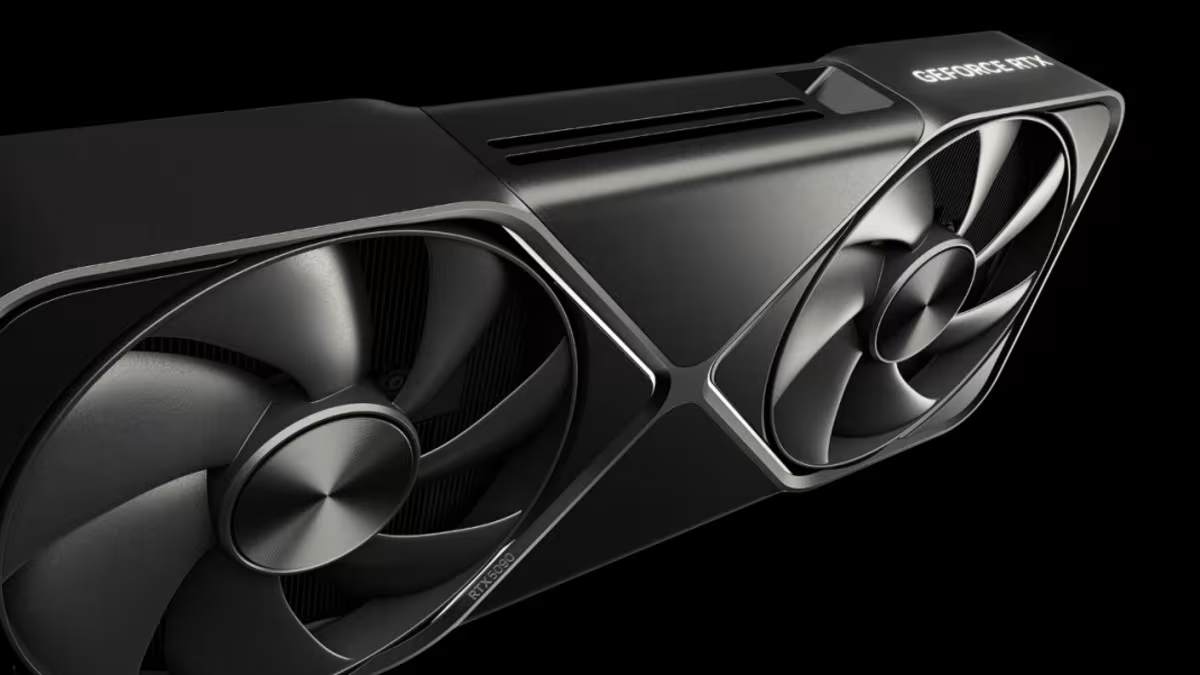
Panchovix personally demonstrated some incredibly aggressive modifications. According to reports from TechPowerUp and Wccftech, he drastically pushed the RTX 5090 power limit from 600W to a staggering 800W. The RTX 5080 saw an increase from 360W to an impressive 500W. He also boosted the RTX 5060 Ti from 185W to 300W, and the RTX 4090 from 550W to an extreme 671W. The editor even permits doubling the core offset range to a massive +2000MHz.
However, readers must understand that these numbers merely represent configuration limits, not actual operational data. Whether the graphics card can truly reach these extreme levels heavily depends on cooling capacity, power delivery, and current workload conditions.
System Requirements and Risks
According to the project documentation, the Windows version strictly requires a 64-bit Windows 10 or Windows 11 system. It also necessitates Nvidia 616.x or 617.x series drivers, with a minimum requirement of version 616.56. Future official driver updates might intentionally alter or completely remove the relevant registry mechanisms, rendering the tool instantly obsolete.
Regarding graphics card compatibility, the developer has successfully completed testing on the RTX 5070, RTX 4090, and select RTX 30 series hardware. Nevertheless, they have not explicitly verified every single model on the market. A dedicated Linux version is also readily available, allowing users to select the appropriate tool for their specific operating system.
Finally, everyone must recognize that avoiding physical flash memory does not mean modifying the VBIOS is entirely risk-free. The developer sternly warns that aggressively modifying power, frequency, or voltage parameters can still permanently damage the power delivery and other delicate electrical components if pushed beyond hardware design limitations. Driver updates might also suddenly invalidate the override configuration. Therefore, users must diligently retain the original VBIOS image and carefully test any modified settings.