Apple HomeView Runs Third-Party Apps via CarPlay-Style iPhone Projection
According to a report published today by MacRumors, Apple’s inaugural HomeView smart home hub can display third-party audio and video applications through a connected iPhone or iPad. Furthermore, the device supports personalized profiles for up to six household members.
CarPlay-Style App Projection Without a Native App Store
Out of the box, the Apple HomeView comes preloaded with core first-party software, including Apple Music, Apple Podcasts, Apple News, Calendar, FaceTime, and Messages. However, the smart display does not feature a built-in App Store. Consequently, users cannot download or install standalone applications directly onto the device.
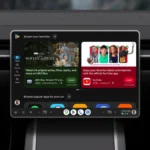
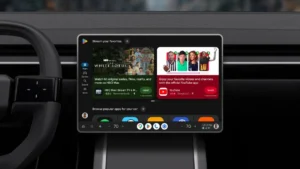
To expand the software ecosystem for household environments, Apple implemented a projection mechanism similar to CarPlay. Through this architecture, HomeView supports compatible third-party audio and video services. Once a user pairs a supported iPhone or iPad, eligible third-party applications automatically appear on the HomeView interface.
Multi-User Facial and Voice Recognition Architecture
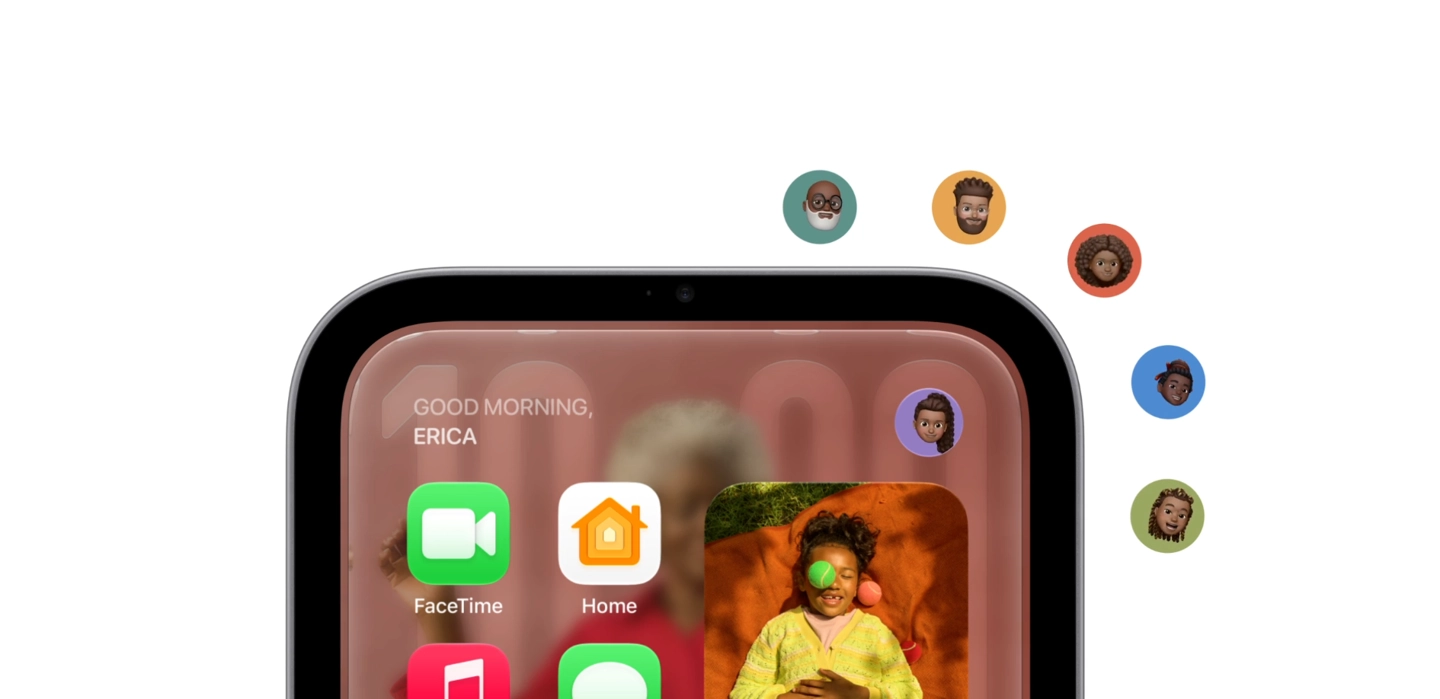
Within a shared home environment, HomeView recognizes up to six distinct individuals and tailors the on-screen interface accordingly. Rather than utilizing full Face ID hardware, the hub relies primarily on its built-in Center Stage camera for facial recognition. Additionally, it combines visual cues with voice recognition to identify which family member is currently interacting with the screen.
To enable personalized recognition, each user must own an enrolled personal device that supports Apple Intelligence. Moreover, that paired handset or tablet must connect to the local home Wi-Fi network and have been unlocked recently. Only after meeting these strict prerequisites can HomeView authenticate a user via facial or vocal biometrics.
Device Pairing Requirements and Apple Watch Limitations
During the authentication sequence, HomeView first uses its Center Stage camera and microphone array to estimate which household member is present. Next, the system verifies whether that individual’s iPhone or iPad is actively connected to the home Wi-Fi network and was recently unlocked. Once all three conditions align, the hub unlocks that person’s personalized content and calendar data.
Footnotes in Apple’s official press release further clarify that personal context requests require a paired iPhone or iPad capable of running Apple Intelligence. Furthermore, the companion device must run the latest operating system, have Siri AI enabled, and use a supported system language. Because of these hardware requirements, the Apple Watch does not qualify as an enrolled personal device for HomeView authentication. Therefore, users must keep a compatible iPhone or iPad nearby to access personalized features on the hub.