KDE Plasma 6.8.2 Released: Crucial Bug Fixes and Stability Enhancements
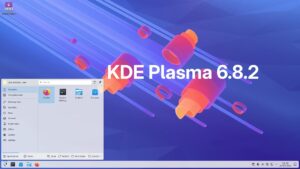
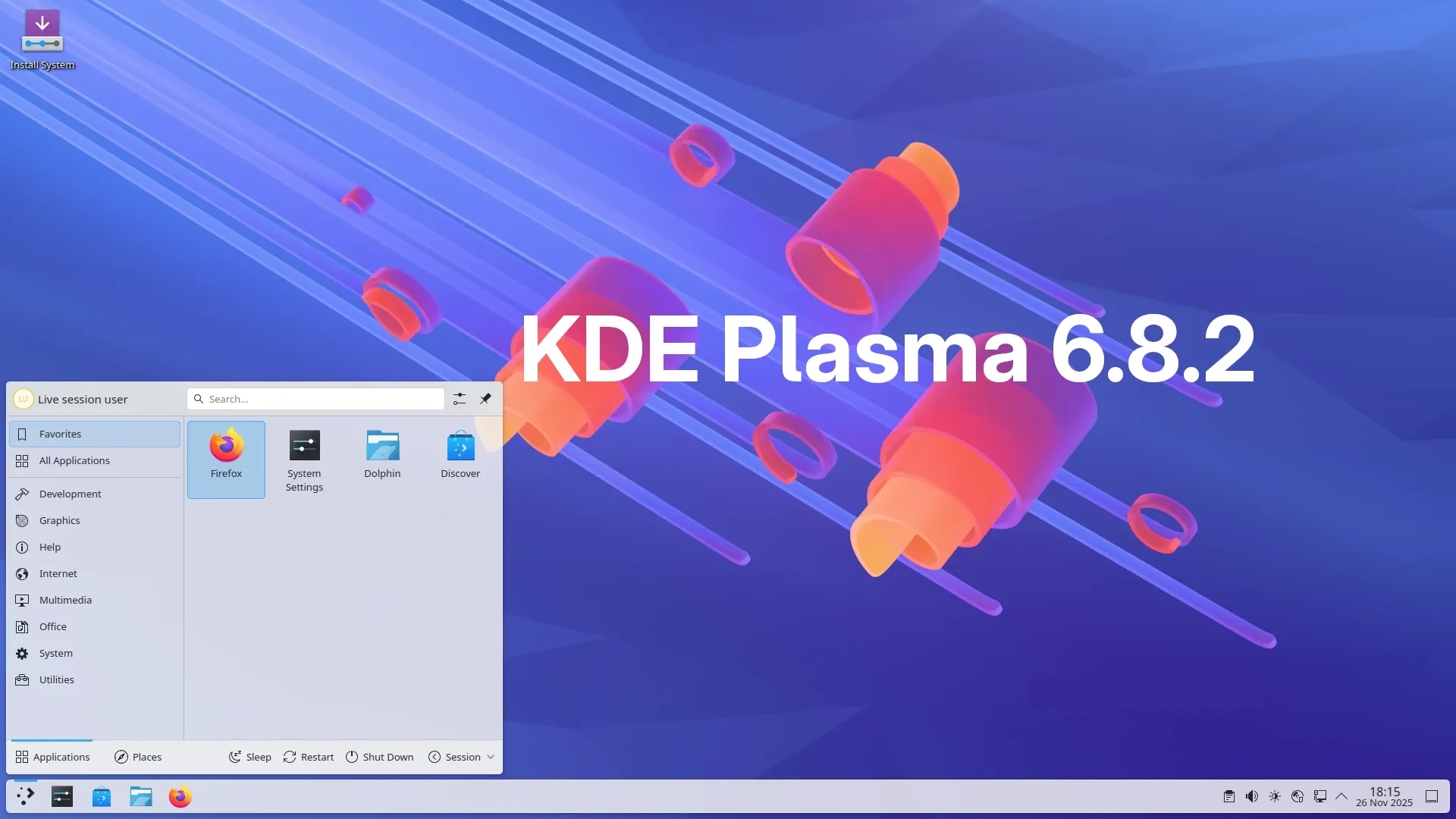
The development team behind the renowned KDE Project officially rolled out KDE Plasma 6.8.2 today. This release serves as the second pivotal maintenance update for the highly praised KDE Plasma 6.8 desktop environment series. Consequently, it introduces a substantial array of crucial bug fixes and targeted system improvements designed to elevate the user experience. You can review the comprehensive KDE Plasma 6.8.2 changelog for a detailed technical breakdown.
Arriving swiftly, just one week following the debut of KDE Plasma 6.8.1, this iteration notably refines the Activity Switcher sidebar. Previously, users with monitors lacking a standard 16:9 aspect ratio experienced frustrating image distortion. Now, the system intelligently crops wallpaper images instead of stretching them unpleasantly, ensuring a faithful and aesthetically pleasing visual presentation. Furthermore, the development team meticulously addressed how the system handles solid color wallpapers combined with the “accent color from wallpaper” function. The system now precisely extracts the exact hue rather than generating a mismatched, approximated shade. Additionally, pressing and holding a media play/pause key now flawlessly executes a single action, permanently resolving a disruptive, repetitive triggering issue.
Accessibility, Audio, and System Monitoring Enhancements
Significant improvements also arrive for the desktop’s accessibility zoom feature. When users zoom in or out utilizing “Push” pointer tracking, the visual focus now centers perfectly on the pointer’s immediate location. Audio feedback also received necessary attention. The volume adjustment sound now consistently utilizes the correct audio file designated by the active sound theme. This fix successfully eliminates frustrating edge cases where the system would stubbornly revert to a generic fallback theme.
Moreover, developers implemented vital safeguards within Plasma’s system monitoring widgets. Previously, users could inadvertently configure line charts to store immense, overwhelming volumes of historical data. This excessive data collection would ultimately cause the entire Plasma environment to lag severely or completely freeze. This critical flaw has been eliminated. Additionally, website copy-to-clipboard buttons displayed within the Web Browser widget now function exactly as intended.
Addressing Multi-Screen Quirks and Task Manager Regressions
On the crucial bug-fixing front, this comprehensive update successfully tackles a particularly elusive regression. This specific bug could inexplicably render files and folders temporarily invisible on the primary display of complex multi-screen setups. The team also vanquished two frustrating regressions plaguing pinned items within the Task Manager. The first issue prevented pinned tasks from opening in their correct, designated positions under certain specific configurations. The second, arguably more annoying bug caused pinned tasks to vanish briefly when users moved their corresponding windows to a secondary monitor. Both issues are now completely resolved.
Further polish extends to visual effects and screen management. The team fixed a regression that inadvertently broke the smooth sliding notification effect for users who retained older, non-default animation duration settings in their configuration files. They also addressed a glitch that occasionally, and unexpectedly, reset the wallpaper on specific displays within multi-monitor arrangements. Another notable fix ensures that the lock screen consistently applies the correct blur effect to the primary screen’s wallpaper, even while interactive controls remain visible.
Interface Polish and KWin Hardening
Visual refinement continues across the user interface. The Activity Switcher sidebar no longer awkwardly overflows past the bottom edge of the screen when users employ horizontal panels. Furthermore, the candidate panel for the Fcitx5 CJK input method no longer aggressively forces floating panels to lose their floating status. Visually, the Activity Pager widget now correctly displays a single, clean underline for the active activity, rather than a confusing double underline.
Desktop widgets also received stability improvements. They no longer inexplicably alter their dimensions upon user login within multi-screen environments. Virtual desktop names and their sequential order now remain perfectly synchronized between the Overview effect and the Pager widget. Additionally, hovering over a Task Manager tooltip thumbnail no longer erroneously highlights the wrong window within a grouped set.
The Discover software center no longer bizarrely duplicates its appearance five times within the “Choose Application” dialog window. Panel Spacer widgets now function flawlessly when placed on vertical panels. The Media Player widget has been upgraded to correctly display media titles containing complex, non-ASCII characters. Furthermore, touchpad scrolling on the “All Applications” page within the Kickoff menu’s grid view now operates smoothly and predictably.
Under the hood, the KWin window manager received significant hardening. It is now vastly more resilient against catastrophic crashes caused by the input of invalid global keyboard shortcut keys. The vital Sticky Keys accessibility feature no longer suffers from intermittent failures to trigger correctly. Additionally, the on-screen keyboard no longer unexpectedly manifests and becomes frustratingly stuck during the Fedora KDE installation process.
Finally, Plasma’s robust, built-in RDP server boasts enhanced accuracy when tracking the pointer across scaled virtual displays. It now resizes correctly and dynamically when virtual screen dimensions shift. Crucially, it no longer presents a useless blank screen to client applications that lack necessary support for hardware-accelerated H.264 video decoding. Linux enthusiasts should actively monitor their respective distribution’s stable software repositories and install this vital update promptly to secure a vastly superior desktop experience.