Developer Unlocks Sony A7C II Features With Custom Firmware
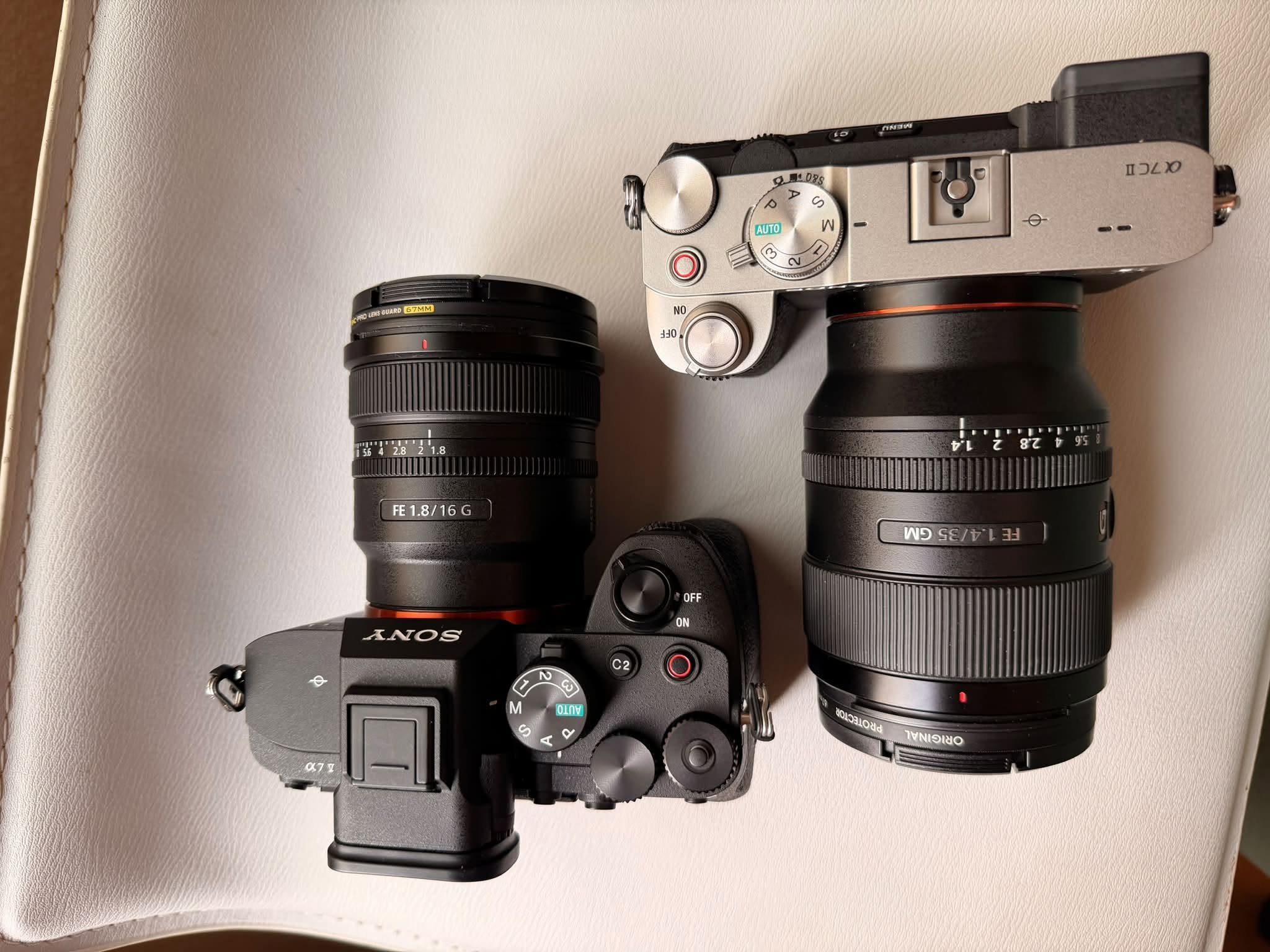
Recently, the art of reverse engineering has birthed numerous fascinating projects. For instance, developers successfully ported iOS onto Android smartphones. Similarly, a creator named QAQLeonard engineered custom firmware specifically for the Sony A7C II camera. This remarkable modification seamlessly unlocks the highly coveted FL2 and FL3 film simulation modes.
Expanding Creative Possibilities With External LUTs
Furthermore, this ingenious tool supports the seamless importation of external LUTs. Photographers can now effortlessly replicate the iconic out-of-camera color tones of Fujifilm NC and Ricoh GR systems. Additionally, the update introduces customizable creative looks. Users will also enjoy unique electronic shutter acoustics and vertical interface orientation.
Currently, the developer has released A7C II Tools version 3.0. Notably, this iteration marks the debut of a comprehensive graphical user interface. You can now navigate driver configuration and installation entirely through intuitive button clicks. Consequently, users manage cold loading and verification within a single window. This completely bypasses the cumbersome command-line interface.
Crucial Compatibility Constraints
However, you must exercise extreme caution regarding software compatibility. This sophisticated utility exclusively supports the Sony A7C II (ILCE-7CM2) running firmware version 2.01. Therefore, it remains strictly incompatible with any alternative models. This strict restriction encompasses the original A7C, A7 IV, A7CR, A7R V, A6700, and A7 V cameras.
For visual guidance, a prominent Bilibili creator, @老陈爱玩相机, recently published a comprehensive video tutorial. His guide details the entire firmware flashing process step by step.
Inherent Risks of Camera Modification
Please remain fully aware of the inherent risks associated with unauthorized modifications. Altering your camera software can potentially result in catastrophic boot failures or endless restart loops. You might experience severe functional anomalies or irreversible data loss. Moreover, such actions will inevitably jeopardize your official warranty and manufacturer repair services.
A successful write verification does not guarantee a safe system boot. Similarly, built-in recovery functions cannot always resurrect a bricked device. Finally, some adventurous users who installed this firmware reported unforeseen complications. Specifically, the modification negatively impacted the recognition of third-party batteries.