Windows 11 KB5124010 Update Crashes Audio Apps
AC-3 Audio Decoding Failures
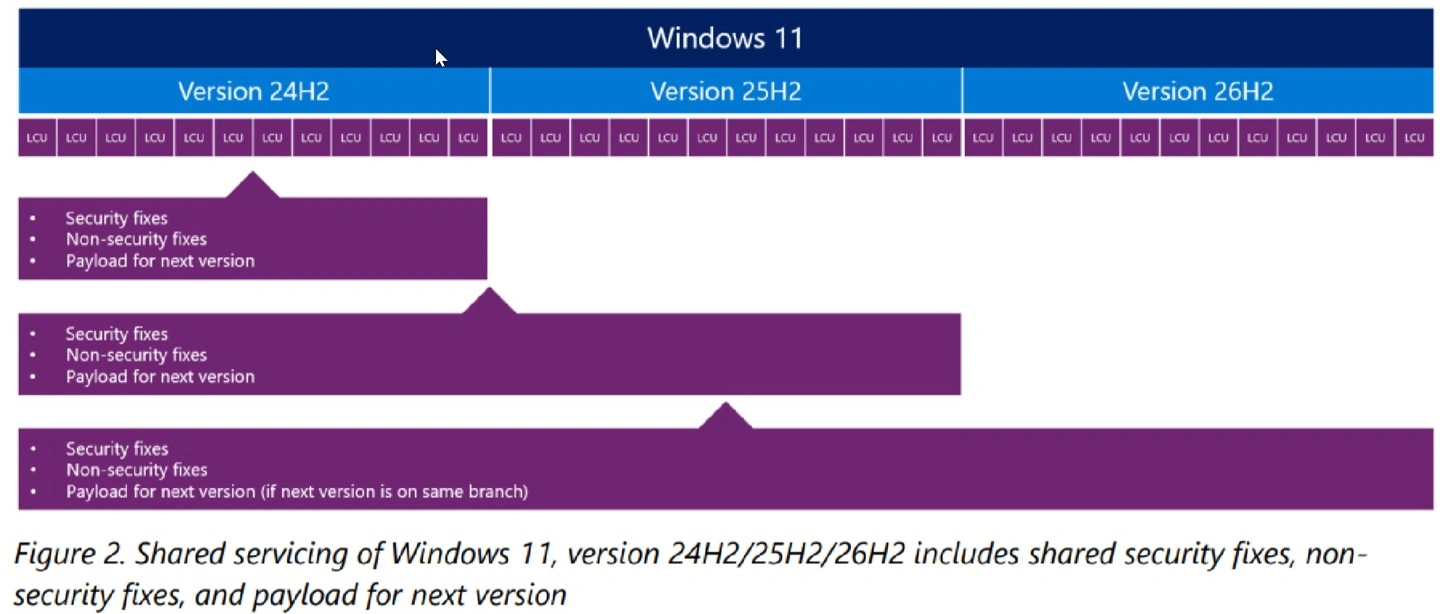
Microsoft recently confirmed that the optional September 2026 update, KB5124010, causes critical system instability. Specifically, this patch crashes certain applications and games that rely upon the built-in AC-3 audio decoding capabilities. According to Windows Report, this troubling issue currently affects three distinct iterations of Windows 11. These problematic versions include 24H2, 25H2, and 26H2. Fortunately, Microsoft officially stated that its software engineers are actively developing a comprehensive fix. The technology giant plans to deploy this much-needed resolution through a forthcoming Windows update.
Varying Application Behaviors
Microsoft’s official documentation details that this software flaw manifests differently depending on specific application behaviors. In certain instances, affected programs might fail to launch entirely. Alternatively, they might abruptly terminate without displaying any warning messages. Sometimes, an application might function flawlessly until it executes an operation requiring audio decoding. For example, simply playing music can instantly trigger a catastrophic crash. Furthermore, these persistent disruptions impact an incredibly wide array of software. The affected categories encompass popular games, multimedia players, and various essential productivity tools. Nevertheless, Microsoft emphasized that most modern applications utilize independent audio decoders. Because these contemporary programs do not rely on intrinsic Windows components, they remain completely unaffected.
Legacy DLL Component Causes the Crash
BornCity reported that simultaneously playing multiple MP3 files frequently triggers a major failure within the system. This specific crash originates within a legacy audio decoding component known as msmpeg2ac3dec.dll. This particular file resides deeply within the System32 and SysWOW64 directories. However, it does not actually exist across all modern Windows 11 devices. Systems continuously upgraded from Windows 11 22H2 still retain this obsolete file. Conversely, devices featuring pristine, clean installations of 24H2 or 25H2 lack this specific component entirely. Consequently, those newer operating system installations remain entirely immune to this particular software bug.
How to Uninstall the Defective Patch
Currently, Microsoft has not provided a dedicated workaround to circumvent this incredibly frustrating issue. However, users who rely heavily on affected applications can immediately restore functionality by uninstalling the problematic patch. You can remove KB5124010 by navigating through Settings directly to the Windows Update menu. Next, you must select Update history and choose Uninstall updates. Following this swift removal process, users should temporarily pause their automatic Windows updates. This vital precautionary measure prevents the operating system from automatically reinstalling the defective patch before an official fix arrives.
A Month of Problematic Windows Updates
Interestingly, this audio decoding bug represents merely the latest complication in a series of highly problematic September updates. Earlier, the KB5124008 patch on September 8 introduced several highly anticipated, long-requested features. These excellent additions included a movable taskbar, a resizable Start menu, and a streamlined Windows Search experience. Furthermore, it patched an impressive 974 security vulnerabilities. This massive number represents a significant leap from the 86 flaws previously addressed in September 2025. Unfortunately, this monumental update also introduced a plethora of unforeseen and hidden systemic problems.
System Glitches and Backup Disasters
According to Windows Latest, the KB5124008 patch triggered a cascading series of severe system glitches. Many AMD Radeon GPU users experienced frustrating black screens and persistent driver timeouts. Additionally, Remote Desktop Services suffered severe instability, leading to widespread connection and login failures. Other unlucky users encountered black screens immediately after logging into Windows Explorer. Moreover, this flawed update completely broke folder sharing capabilities for the Windows Subsystem for Linux. This disastrous failure disrupted crucial applications that utilize Linux virtual machines, such as Claude Cowork.
The File History Debacle
In response to mounting user complaints, Microsoft urgently released an out-of-band emergency update on September 14. This rapid patch, designated KB5129195, aimed to resolve broken remote desktop connections and restore multichannel audio issues. However, subsequent real-world testing revealed that the audio problems were only partially resolved. Astonishingly, this emergency update also introduced an entirely new, debilitating bug that completely paralyzed File History backups. Even when users properly connected their dedicated backup drives, Windows erroneously displayed a “No usable drives found” error message.
Seeking redemption, Microsoft subsequently released the optional KB5124010 update on September 22. This release included a highly anticipated fix for the aforementioned File History debacle. Nevertheless, meticulous testing by Windows Latest quickly uncovered yet another significant technical flaw. Although File History could successfully detect external drives once again, the software completely failed to update backup timestamps and file versions. Consequently, this persistent failure signifies that the crucial system backup functionality remains fundamentally broken and entirely unreliable today.