

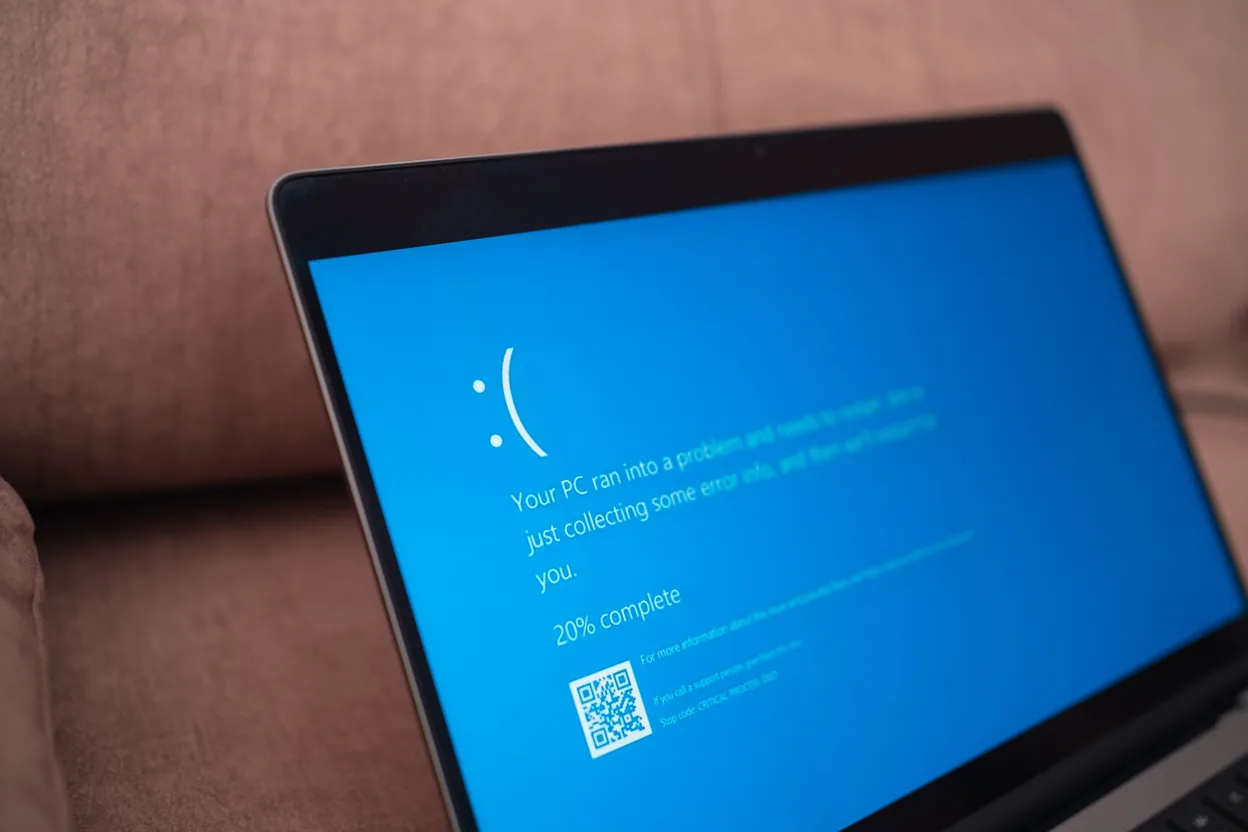
Microsoft says the Microsoft 365 outage that locked users out of Outlook on November 12 began with “an issue during an earlier network capacity upgrade.” It gave that cause in an update at 17:57 UTC on November 13, more than 25 hours after its first alert. At that point, Microsoft reported “broad recovery and stability” across its services. Work to restore the remaining customers and regions was still going on.
The trouble started in Exchange Online, the cloud service behind business email and calendars. It then reached Teams, SharePoint, Copilot and Microsoft’s own security tools. Microsoft says it has found no evidence of malicious activity.
How the outage unfolded
The timeline below comes from Microsoft’s service health notices, which the University of Pennsylvania republishes in its Microsoft 365 incident log. Microsoft tracked the email problem as EX1550543 and the wider impact as MO1550821.
| Time (UTC) | What Microsoft reported |
|---|---|
| Nov 12, 16:17 | EX1550543 opens: users may be unable to reach Exchange Online mailboxes through multiple connection methods |
| Nov 12, 17:45 | Connectivity errors found on part of the Exchange Online infrastructure |
| Nov 12, 18:26 | MO1550821 opens: users may be unable to connect to multiple Microsoft 365 services |
| Nov 12, 19:18 | Many servers are unexpectedly unavailable, shifting load onto the rest |
| Nov 12, 20:56 | A small number of configuration updates come under investigation |
| Nov 13, 01:06 | A process that sets up secure connections is overwhelmed; Microsoft starts reverting a recent network change |
| Nov 13, 07:24 | Servers look more stable after an authentication and routing patch on part of the infrastructure |
| Nov 13, 09:03 | Email timeout window extended to 48 hours |
| Nov 13, 11:01 | Recovery actions completed in part of Asia Pacific |
| Nov 13, 14:01 | Email queues approach normal levels |
| Nov 13, 17:57 | Broad recovery; cause linked to an earlier network capacity upgrade |
Why the fix took so long
Early on, Microsoft said affected servers were failing automated health checks and dropping out of service. Each lost server pushed extra load onto the servers still running. The company stressed that “the elevated load isn’t driven by an overall increase in traffic.”
Restarted servers did not always stay up. According to ABC News in Australia, Microsoft said restored servers became unresponsive again because a process “responsible for establishing secure connections” was overwhelmed. Microsoft’s notices also describe a surge of calls from its routing services to backend servers. Some machines got stuck in a bad state that stopped changes from syncing.
To recover, Microsoft added virtual machine capacity and forced stuck machines to sync. It also throttled and rerouted traffic. The step that showed results was a patch to an upstream authentication and routing setting, which it rolled out in phases. Regions entering peak business hours went first. At one stage, Microsoft admitted a change was “not taking as expected,” as ABC’s live coverage noted.
What changes for you
The impact depended on which Microsoft 365 tools you rely on. Here is what Microsoft listed for each group.
Email users
Mailbox access failed in Outlook on the web, Outlook desktop, Exchange ActiveSync and the REST interface. ActiveSync is the link many phone mail apps use. Email delivery was delayed as well. Microsoft extended the email timeout window to 48 hours “to preserve delayed messages.” Put simply, mail stuck in the queue got more time to be delivered.
Teams and Copilot users
Core Teams calling and messaging stayed largely unaffected. Problems hit the Teams calendar, meeting scheduling, Copilot responses, and channel creation or deletion. In Microsoft 365 Copilot, Copilot Chat and access to work data were affected.
Schools
Microsoft 365 Education lost parts of Assignments, Reading Progress and Speaker Progress. Those tools handle homework and reading practice.
Security and compliance teams
Defender for Office 365 and Defender XDR saw issues with portal access, Safe Links, quarantine and policy enforcement. Microsoft Purview had problems with its portal, data loss prevention, auto-labeling, eDiscovery, audit search and data classification. Because policy enforcement is on that list, security teams cannot assume every rule applied normally during the outage.
IT admins and other apps
The Microsoft 365 admin center and the Microsoft 365 Apps admin center were affected too. The list also includes SharePoint Online, Microsoft Graph, Intune, Planner, Power Apps, To Do, Fabric, Power BI, Universal Print, Viva Engage and Windows 365.
Who was hit
Outage reports for Outlook on Downdetector peaked at nearly 140,000, ABC News reported. The US version of Downdetector alone logged more than 120,000 Outlook reports, plus over 45,000 about Microsoft 365.
Australia felt it during its Friday workday. ABC reported that stores lost email-based sales, patients lost telehealth access and some distance schools shut for the day. A New South Wales online bail court got through five applications while eight more waited. Australia’s spy agency and federal police were also caught up. Home Affairs Minister Tony Burke said Microsoft told him it did not believe a cyberattack was the cause. The government also activated an agreement with Microsoft to prioritize Australian interests during restoration.
Other governments reported problems too. Japan’s Deputy Chief Cabinet Secretary Masanao Ozaki said the outage affected government IT infrastructure. The Associated Press reported that Singapore’s government email was down, as EdTech Innovation Hub noted. The US House of Representatives said its users were affected, and several US courts warned of delays.
In the UK, police forces asked the public to phone rather than email. NHS England switched to contingency plans, including paper records, ABC reported, citing AFP. AI companies felt it as well. OpenAI investigated problems with its Microsoft connectors, and Anthropic flagged an upstream issue affecting its Microsoft 365 connector.
What admins and users can do now
- Follow the official incidents. In the Microsoft 365 admin center, check Service health for EX1550543 and MO1550821 until Microsoft closes them.
- Skip local fixes. The fault sat in Microsoft’s servers, so password resets or rebuilt Outlook profiles will not solve it.
- Watch for late mail. Messages from November 12 and 13 may arrive late, since Microsoft held delayed mail for up to 48 hours.
- Review security tools. Check Defender quarantine, Safe Links and Purview data loss prevention activity for the outage window.
- Keep a fallback channel. Phone lists and paper procedures helped UK police and Australian agencies keep working.
What remains unclear
Microsoft has promised “a full Post-Incident Report with root cause and defense-in-depth actions after mitigation is complete.” That report should explain what went wrong in the capacity upgrade and why it surfaced after a later network change. Microsoft’s notices so far do not say how many users or organizations lost access.
The company has called it a technical issue unrelated to cyber activity or AI agents. One question to watch is whether the report includes steps to stop one network change from taking down mail across several regions at once.