Booting Googlebook OS on Apple Silicon Macs
Developer Skylar Taylor-Barrick recently launched an open-source project named gbos-vm. Interestingly, this tool allows users to run Google’s new Googlebook OS on Apple Silicon Macs. A modder successfully boots Googlebook OS on Apple Silicon Macs using a virtual machine environment.
Currently, the source code resides publicly on GitHub. First, the software uses QEMU to load the official Dell Googlebook recovery image. Next, it modifies the system to accommodate virtual hardware seamlessly. The developer clarified a crucial point about this software. It is neither a generic Android image nor a native Mac installation. Furthermore, the creator claims no official affiliation with Google or Dell.
Exploring the Googlebook OS Platform
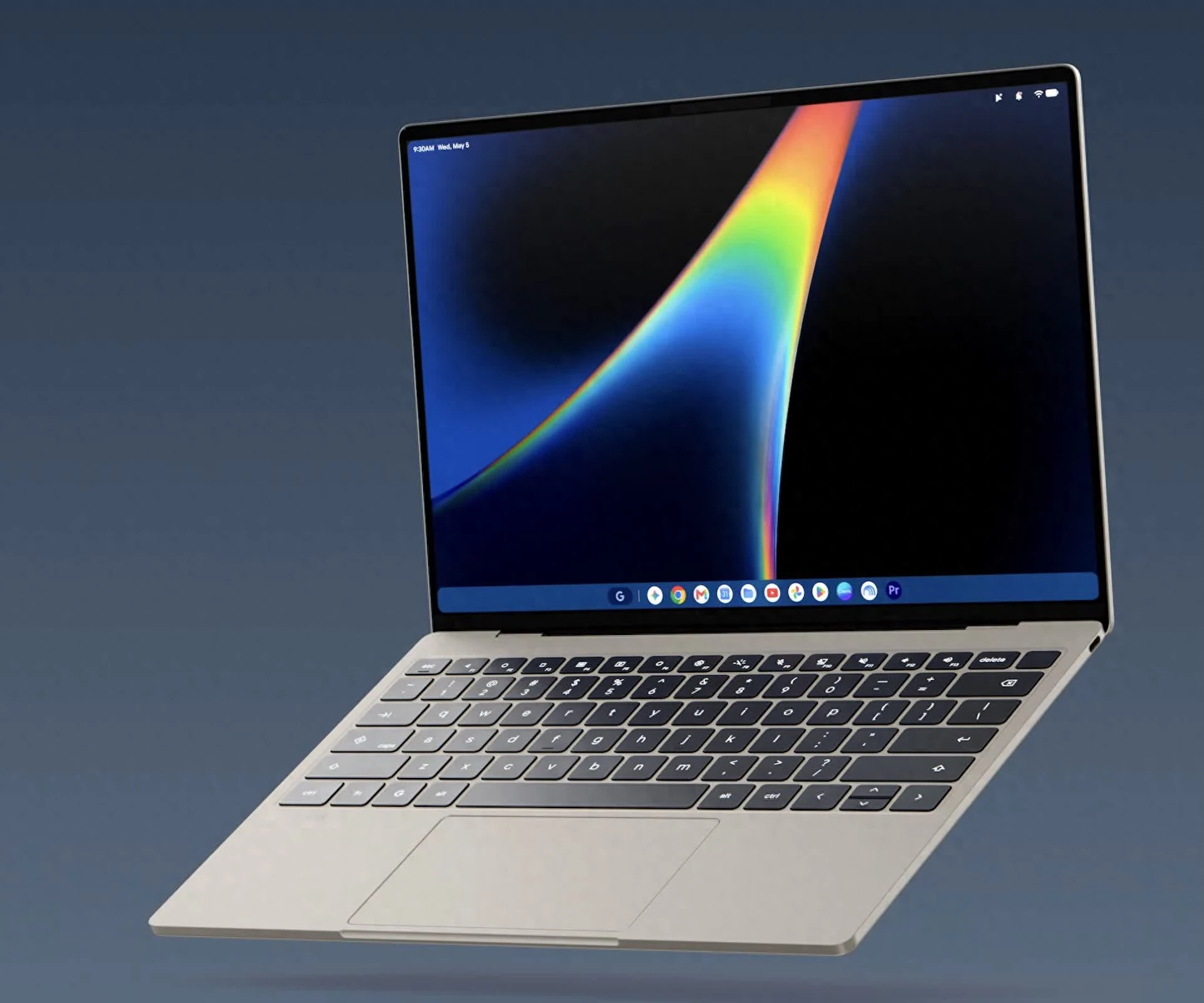
Googlebook represents an entirely new class of laptop platforms. According to official documentation, the system leverages the robust Android technology stack. Moreover, it seamlessly integrates the desktop experience of ChromeOS. Consequently, users enjoy full Android application support. The platform also features seamless cross-device collaboration with Android smartphones.
Overcoming Graphics Challenges
The core mission of the gbos-vm project involves transforming the Dell recovery image. Specifically, the developer adapted it to boot reliably within a virtual device. Android typically utilizes the Vulkan graphics API. Conversely, Apple platforms rely strictly on Metal.
Therefore, the developer engineered a clever graphics translation mechanism. This bridge allows the virtual system to utilize the Mac GPU directly. As a result, the software avoids relying solely on CPU rendering for the interface. Following these complex adaptations, the system successfully boots and runs the Chrome browser.
System Requirements and Installation
Users must own a Mac equipped with an Apple Silicon chip. Unfortunately, the project firmly excludes older Intel-based processors. The developer highly recommends provisioning at least 16GB of system memory. Additionally, users need approximately 60GB of available storage space.
Furthermore, the installation requires several specific software dependencies. You must install the Xcode command-line tools and Homebrew. The Java Development Kit and the Android SDK are also mandatory. During the initial run, the script downloads a 9GB recovery image directly from Google servers. Ultimately, the program modifies, compiles, and builds the virtual machine locally.
Current Limitations and Bugs
Currently, this experimental project faces several notable functional restrictions. The virtual machine display caps out at a 60Hz refresh rate. Furthermore, specific WebGL rendering methods occasionally produce visual anomalies. Audio performance remains somewhat inconsistent during operation.
Additionally, features like reverse clipboard copying and right-click actions lack thorough testing. Extended continuous operation might also yield unpredictable stability issues. Finally, the simulated Bluetooth functionality cannot pair with physical Bluetooth accessories.
Security Considerations and Recommendations
Regarding security, the virtual machine lacks essential hardware components found in physical Googlebooks. For instance, it omits Trusted Platform Module capabilities. Hardware-backed key protection mechanisms are similarly absent.
Instead, the developer implemented partial key management through software emulation. They also modified the vendor partition to ensure functionality. Consequently, this partition completely loses verified boot protection.
Ultimately, users should reserve gbos-vm strictly for development and testing. It currently fails to serve adequately as a daily driver. Experts strongly advise against logging into sensitive accounts within this environment. The project brilliantly demonstrates Googlebook OS running within an Apple Silicon VM. However, this achievement does not imply official Mac compatibility or robust security.