Windows Ready Print Initiative Threatens Older USB Printers
The technology media outlet Hardwareluxx recently published an insightful report detailing a significant architectural shift. Within the Windows 11 operating system ecosystem, Microsoft is aggressively advancing its Windows Ready Print initiative. Consequently, this strategic maneuver may precipitate severe compatibility failures. It will primarily affect aging USB printers and multifaceted devices heavily reliant upon proprietary drivers. As Hardwareluxx notes in their article about saying goodbye to classic drivers, a Windows update may render old printers unusable.
The Evolution of Modern Print Architecture
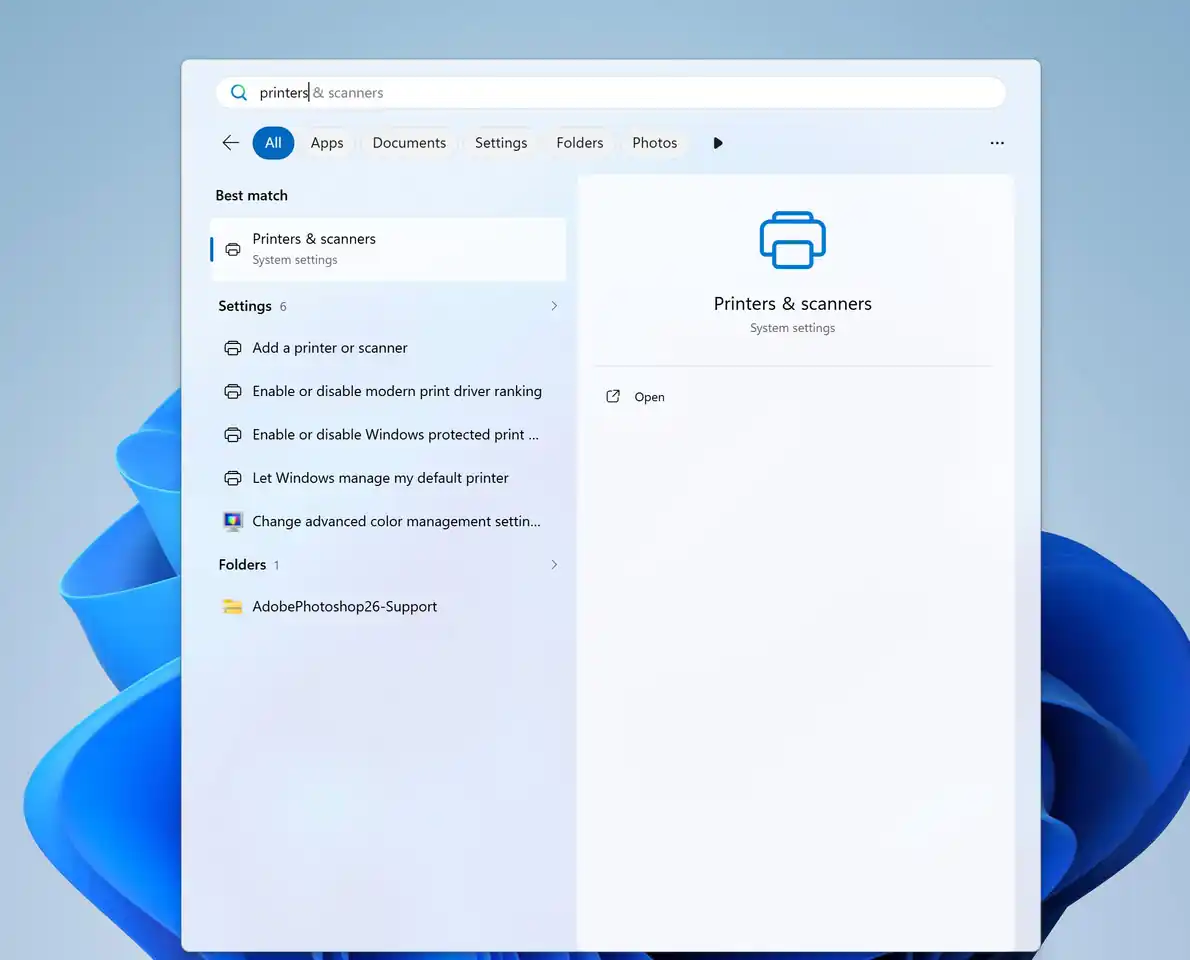
Beginning with Windows 11 build 26300.8553, Microsoft officially rebranded the former Modern Print Platform to Windows Ready Print. Simultaneously, they introduced sophisticated driver selection controls. This development aims to furnish users and IT administrators with a simplified, exceptionally reliable, and thoroughly modernized printing experience.
This fundamental restructuring signifies that Microsoft is purposefully transitioning the Windows printing architecture away from manufacturer-specific drivers. Instead, they are pivoting toward standardized communication protocols. This move gradually diminishes historical reliance on proprietary software from prominent manufacturers like HP, Canon, Epson, and Brother. The innovative framework rests upon the robust Internet Printing Protocol (IPP), empowering Windows to seamlessly identify and meticulously manage printers utilizing a universal protocol.
The Legacy of Traditional Drivers
Historically, hardware manufacturers supplied traditional printer drivers, specifically the v3 and v4 architectures. These crucial software components enabled Windows to recognize the peripheral device and orchestrate its exclusive functions. These features included complex tasks like pagination, stapling, precise ink management, and comprehensive scanning control. Older office equipment intrinsically depends upon these legacy drivers to execute their complete array of functionalities.
Microsoft’s Phased Implementation Timeline
Regarding the systematic adjustment phases:
- Microsoft initiated the transition on January 15, 2026. As a fundamental principle, they ceased distributing new printer drivers for Windows 11 and Windows Server 2025 via the standard Windows Update mechanism.
- Commencing on July 1, 2026, the operating system began prioritizing the utilization of integrated IPP drivers.
- The ultimate phase is scheduled for execution on July 1, 2027. At that critical juncture, third-party driver updates will be strictly confined to essential security patches.
Nevertheless, users can still manually install existing drivers using software packages supplied directly by the manufacturer. However, this remains viable only if the manufacturer actively decides to sustain support for their legacy drivers.
While existing drivers remain operational, manufacturers can still offer specific updates following meticulous case-by-case evaluations. Microsoft affirmed that it continues to permit the release of critical security fixes. Yet, the corporation is deliberately constricting the scope of new support for traditional driver architectures.
Windows Protected Print Mode and Security
Furthermore, the implementation of Windows Protected Print Mode will drastically restrict permissible driver sources. This fortified mode exclusively accepts the proprietary printing infrastructure provided directly by Windows, aggressively blocking the loading of any manufacturer-specific drivers. However, Microsoft has not yet disclosed the precise date when this mode will be enabled by default.
The media report astutely emphasizes that as Microsoft inexorably propels Windows Ready Print forward, antiquated USB printers face an elevated risk of obsolescence. If a peripheral device inherently lacks support for IPP, IPP over USB, or Mopria, the system may completely fail to recognize the hardware once Protected Print Mode is activated. Alternatively, it might only retain a fraction of its original functionality.
Mopria stands as a prominent industry standard and rigorous certification system dedicated to printing and scanning apparatuses. Printers possessing the prestigious Mopria certification generally support seamlessly unified discovery, connection, and printing protocols.
Presently, users retain the autonomy to deactivate Windows Protected Print Mode and manually install legacy drivers. Upon disabling this restrictive mode, the peripheral device may continue to function. However, users can no longer rely upon automated updates. Ultimately, the compatibility of the driver with subsequent Windows iterations will completely depend upon the manufacturer’s ongoing maintenance efforts.