One UI 9 Error Plagues Samsung Galaxy Setup
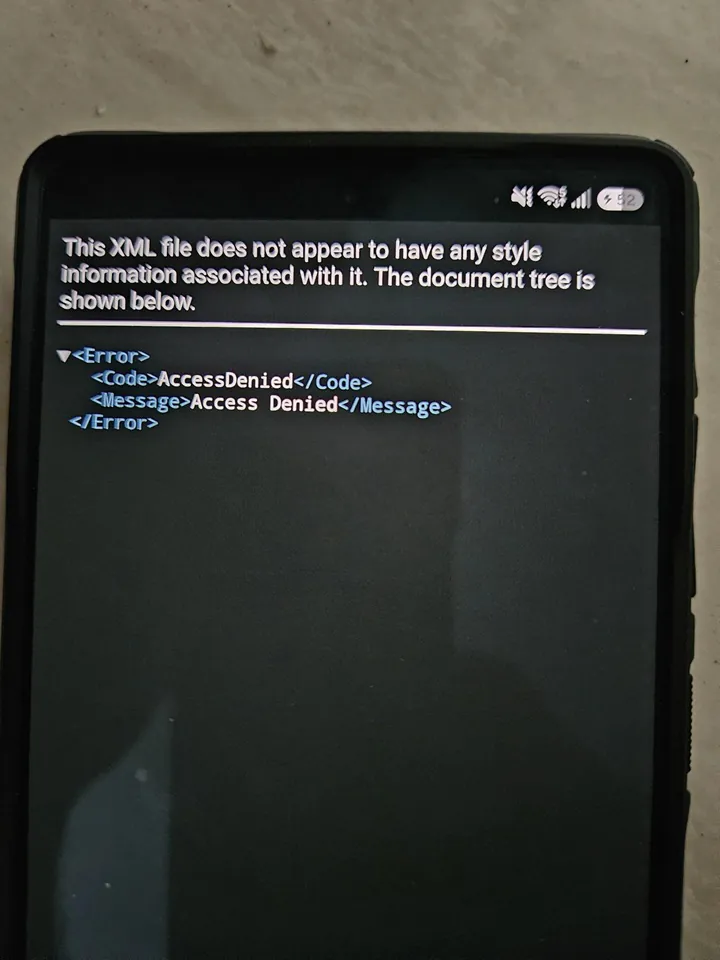
According to a recent report by Android Authority, some Samsung users face a frustrating issue. After installing the One UI 9 update, a persistent XML “Access Denied” error blocks the setup screen. Furthermore, users cannot bypass this prompt to reach the home screen.
Impacted Galaxy Smartphone Models
Regarding affected devices, user reports on Reddit and X indicate widespread trouble. The bug impacts the Galaxy S24, Galaxy S25, and Galaxy S26 series. Additionally, several foldable models suffer from this exact same problem. However, the exact scope of this glitch remains unclear at this time.
Understanding the Access Denied Bug
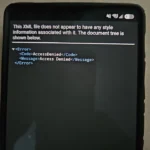
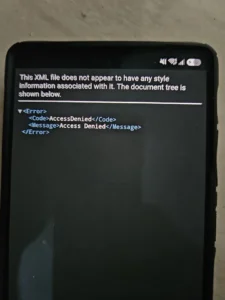
The error presents itself in a very specific manner. Users can successfully install the over-the-air update and boot their devices. Yet, tapping past the initial welcome screen triggers the fatal error. Specifically, the display shows a blatant XML access denial message. As a result, setup halts completely, and the home screen remains entirely inaccessible.
Potential Causes and Server Issues
Industry leaker Fahad Ali Javed suggests a potential cause for this malfunction. The error likely stems from recent server-side changes made by Samsung. Engineers implemented these network adjustments to actively prevent unauthorized firmware leaks. Currently, Samsung has not officially verified this speculative claim. The technology giant also has not published an expected fix timeline.
Temporary Workarounds for Users
Fortunately, a temporary workaround exists for stranded smartphone users. Some individuals successfully bypassed the error by completely disconnecting their internet. Alternatively, simply restarting the phone later resolves the problem for others. Therefore, backend server conditions may have already stabilized behind the scenes.