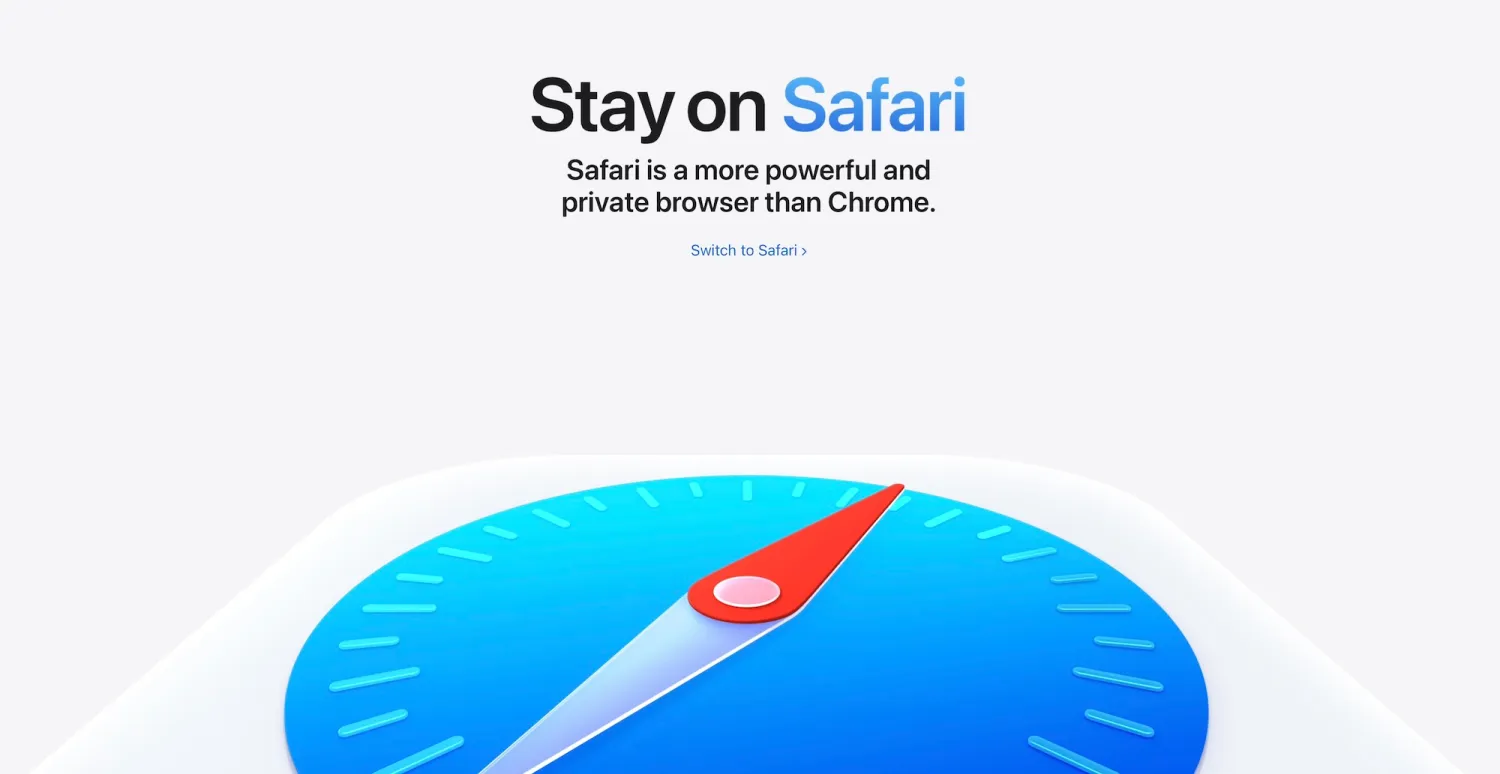
Apple Launches Switch to Safari Campaign for Mac Users
According to a recent report by the tech publication 9to5Mac, Apple just launched a new Switch to Safari campaign on its US website. This initiative actively promotes the impressive battery life, speed, and privacy features of Safari on the Mac.
Comparing Safari and Chrome Performance
In the new promotional page, Apple highlights the numerous advantages of its browser by directly comparing Safari and Chrome. These benefits specifically include extended battery endurance, stronger privacy protections, and much faster overall performance.
Apple claims that Safari delivers up to five additional hours of video streaming on Mac compared to Chrome. Furthermore, Safari loads frequently visited websites up to 35 percent faster than Chrome.
Protecting User Privacy
Regarding user privacy, Apple boldly states that Chrome permits numerous third-party trackers. These trackers follow users across multiple websites. They then collect sensitive data to sell to advertisers. Additionally, Apple notes that Chrome fails to remember distracting content that users wish to hide.
Apple provides a comprehensive feature comparison chart on its new page. Safari notably excels in several key areas where Chrome falls short. For instance, Safari blocks third-party tracking cookies by default. It also utilizes advanced machine learning to combat unauthorized tracking. Moreover, Safari effectively blocks known trackers during private browsing sessions. It even supports 4K HDR video playback for popular streaming platforms on the Mac.
Introducing New Browser Tools
The dedicated campaign page introduces excellent tools like Reader Mode, Notify Me, Profiles, and Apple Pay. Simultaneously, Apple released two engaging promotional videos. These short clips demonstrate the Distraction Control and Intelligent Tracking Prevention features.
Distraction Control and Tracking Prevention
Distraction Control serves as a powerful page management tool within Safari. It allows users to easily hide specific intrusive elements on web pages. These distractions often include pop-ups, annoying overlays, or certain banner ads. Users can conveniently save these visual preferences for individual websites. Consequently, this ensures a clean and uncluttered experience during future visits.
Meanwhile, Intelligent Tracking Prevention functions as a robust privacy shield. It actively prevents third-party trackers from identifying users across different websites. This tool effectively blocks or limits malicious tracking scripts and cookies. Ultimately, it severely restricts the ability of advertisers to build detailed user profiles based on browsing habits.