Armbian Imager 2.5 Arrives With Major Improvements
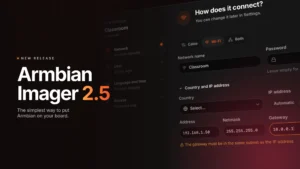
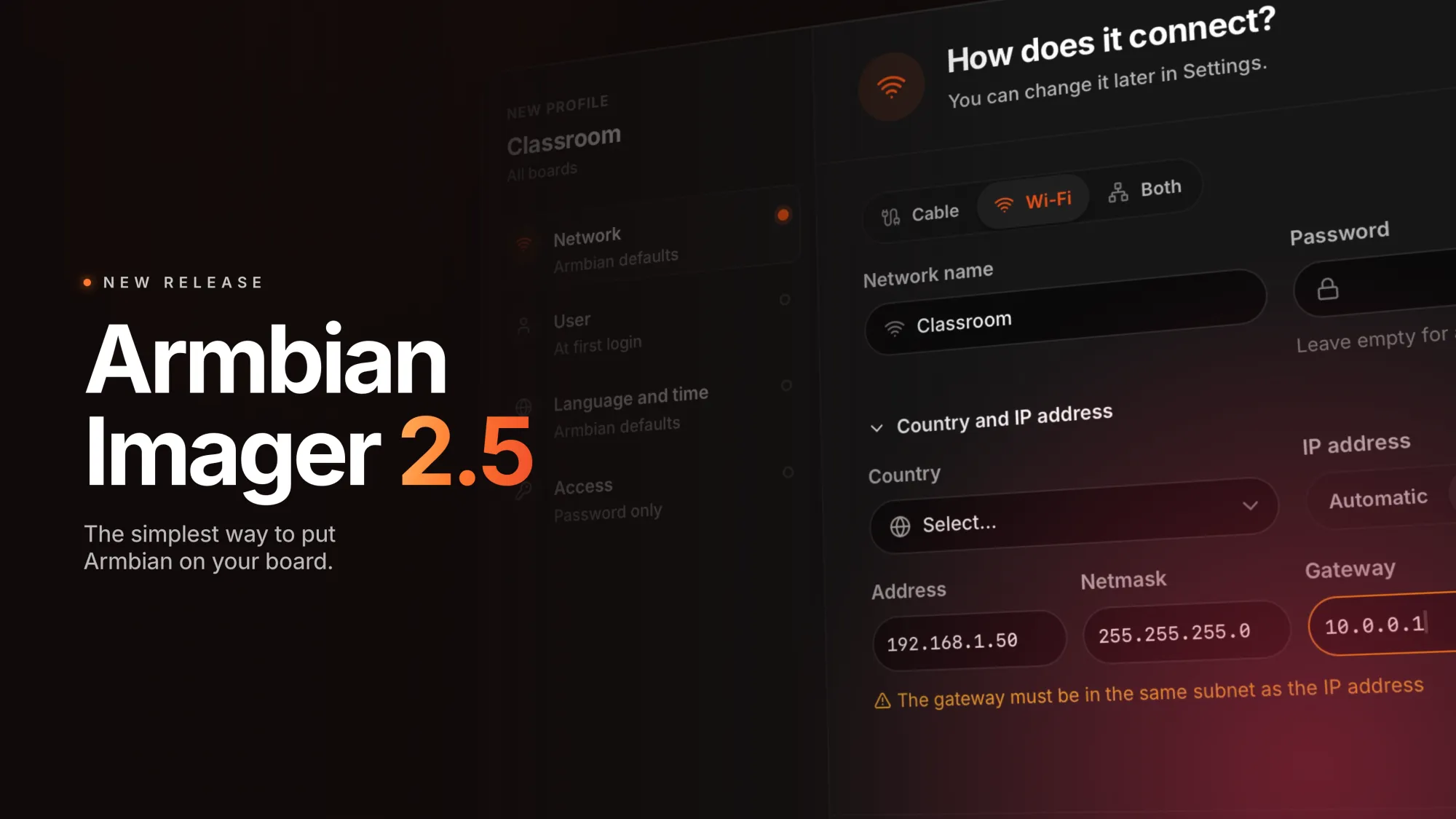
The development team recently unveiled the Armbian Imager 2.5 update. This powerful open-source tool flashes the Armbian Linux operating system onto single-board computers. The latest release introduces numerous vital enhancements. Arriving exactly four months after version 2.0, it significantly transforms the user experience. Specifically, it delivers a brand-new guided setup process. This step-by-step wizard effortlessly manages first-boot profiles. It helps you configure network details, user accounts, and preferred languages. Furthermore, it easily handles time zones and security credentials. A convenient summary column continuously displays your chosen options alongside the configuration prompts.
Refined Interface and Seamless Operations
Additionally, the developers completely redesigned the settings interface. The configuration menu now features five distinctly organized sections. These include general options, writing preferences, and first-boot profile management. You will also find dedicated areas for downloads and general support. Meanwhile, application updates now process quietly in the background. Consequently, these background tasks will never disrupt an active flashing session.
Enhanced Core Writing Safeguards
Moreover, the core writing mechanism boasts substantial safety improvements. The application backend now actively rescans your target drive immediately before flashing. Therefore, the system automatically rejects any storage drive that does not match the originally confirmed capacity. For example, if you swap memory cards during the password prompt, the software instantly catches the error.
Furthermore, the utility now strictly blocks corrupted files. It prevents the flashing of truncated images or empty archives before the drive is ever touched. Previously, a silent software bug would wipe the first 10 MiB of a storage card. It would then incorrectly display a successful flash message. Fortunately, the new version completely eliminates this frustrating flaw.
Improved Cancellation and Global Support
In addition, you can now safely cancel the writing operation at any point. The cancellation process remains fully reliable during profile creation, password entry, and file downloads. Previous versions struggled to halt these specific stages safely. The application also introduces full support for the Greek and Serbian Cyrillic languages.
Crucial Security Fixes and Network Validation
Users of previous iterations must note an important security detail. Specifically, versions 2.0.2 through 2.0.4 accidentally embedded sensitive credentials directly into UFS images. This included private passwords and Wi-Fi network keys. The new version automatically purges these compromised cached copies. However, you must manually delete any affected files stored outside the local cache.
Finally, the tool now instantly validates static IP addresses. Therefore, network typing errors appear immediately before the flashing process begins. It also proactively verifies remote SSH keys sourced from GitHub, GitLab, or external URLs. For complete technical specifications, you can review the Armbian Imager 2.5 release notes. You can easily download the software from the official Armbian Imager website. It is currently available as a universal AppImage or as standard DEB packages for Debian and Ubuntu systems.